Voice Mode
What is Voice Mode?
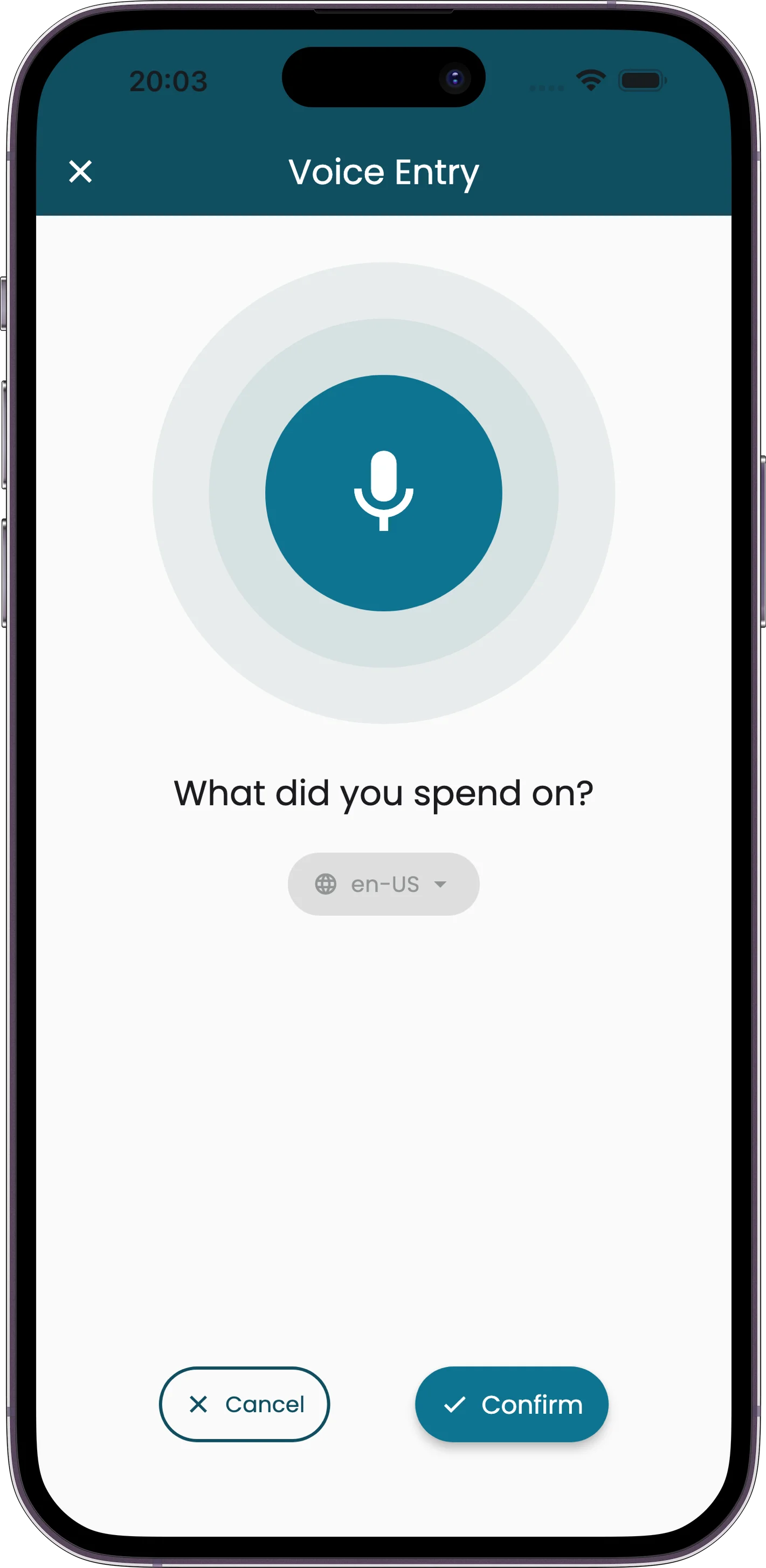
Voice mode lets you add expenses by speaking. Tap the microphone, describe what you spent, and Receiptix creates a full expense entry from your words. The AI figures out the merchant, amount, items, currency, and category from natural speech.
It uses cloud-based speech recognition with support for 50+ languages. Good for moments when typing isn't practical — walking, driving, cooking, or when your hands are full.
How to Use Voice Mode
Tap the Microphone
Open the add expense menu and select voice mode, or tap the microphone icon from the home screen.
Speak Your Expense
Describe what you spent in your own words. Include the merchant, items, and amounts. You'll see real-time transcription on screen.
Confirm or Retry
Review the generated expense. You can confirm to save it, retry the dictation, or cancel.
What You Can Say
There's no special format or syntax. Just describe the expense the way you'd tell a friend:
"Spent thirty-five dollars on lunch at Chipotle"
"Taxi to the airport, twenty-two fifty"
"Paid fifty euros for museum tickets and ten euros for coffee"
"Grocery run at Whole Foods, about a hundred and twenty bucks"
The AI handles amounts in different formats, mentions of currency, and natural phrasing. You don't need to structure your speech in any particular way.
Edit with Voice
Voice mode isn't just for new expenses. You can also use it to edit existing receipts. Open any expense, tap Edit with Voice, and describe the changes you want to make. The AI updates the receipt based on your instructions.
Example: Open a receipt and say "Change the merchant to Target and add a five-dollar item for batteries." The AI applies both edits.
Tips & Details
Recording Limits
Maximum listen duration is 10 minutes. After that, recording stops automatically. You'll have plenty of time for even the most detailed expense descriptions.
Pause Detection
The app detects when you stop talking. On Android, it waits 10 seconds of silence before stopping. On iOS, it waits 30 seconds. You can also stop manually by tapping the microphone again.
Language Support
Voice mode supports 50+ languages for speech recognition. You can change the speech recognition language in your app settings. The AI processes your speech in the selected language and creates the expense accordingly.
Visual Feedback
While you speak, you'll see a microphone visualization that responds to your voice in real time, along with the transcribed text appearing as you talk. This helps you confirm the app is hearing you correctly.
Requires Internet
Voice mode uses cloud-based speech recognition, so an internet connection is required. If you're offline, use manual entry instead.