College is expensive in ways nobody warns you about. Textbooks, dining hall swipes, late-night food runs, rideshares, streaming subscriptions you forgot about. Money disappears and you're not sure where it went. That's normal. But it doesn't have to stay that way.
Most budgeting apps assume you have a salary and predictable bills. Students don't work like that. You have irregular income from part-time jobs or financial aid disbursements, random expenses that change every week, and no interest in maintaining a spreadsheet. Receiptix doesn't try to make you into a budgeter. It just tracks what you spend so you can actually see the picture.
Is This You?
- - Your bank app says $47 but you have no idea where the rest went.
- - You split dinner three ways and nobody remembers what they owed.
- - Textbook season hits and suddenly you're broke.
- - You want to track spending but every app feels like a second job.
- - Your parents ask what you spent their money on and you genuinely don't know.
If any of that sounds familiar, Receiptix can help.
How Students Use Receiptix
Voice Logging
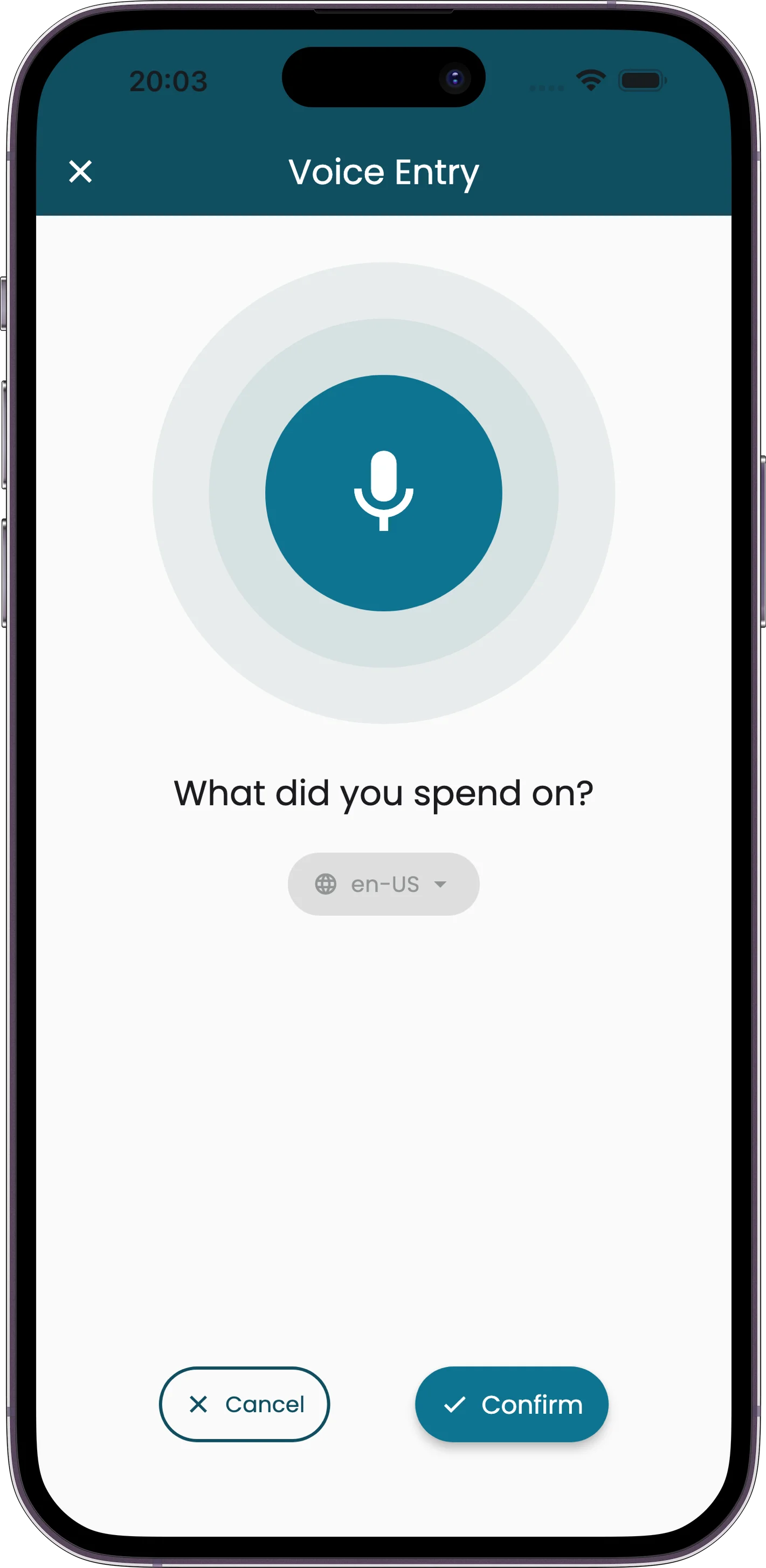
Walking to class? Say "coffee 4 dollars" and it's logged. No typing, no opening menus, no categorizing. Just speak and keep walking. It takes about three seconds.
Receipt Scanning
Snap a photo of any receipt. The AI reads the merchant, total, and every line item automatically. Works with cafeteria receipts, crumpled bar tabs, and that faded CVS receipt that's three feet long.
Visual Charts
See where your money goes in colorful charts. Food, transport, entertainment, shopping -- the breakdown tells you what your bank statement never could. Sometimes just seeing the numbers is enough to change your habits.
Shared Projects for Roommates
Create a project for shared apartment expenses. Everyone logs their share. At the end of the month, the report shows who paid what. No more awkward "you owe me" conversations based on fuzzy memory.
Free to Start
Your first expenses are free, however you log them — plus smart categories and basic reports. No trial period. No credit card required. You download it, you use it.
If you want unlimited expenses and advanced report exports, there's a premium tier. You can always upgrade later if you find yourself logging every coffee.
Built Around How Students Actually Live
- • Voice mode logs expenses in seconds -- perfect for between classes when you don't want to stop and type.
- • Charts make spending patterns obvious at a glance. You might be surprised how much you spend on food delivery.
- • Shared projects keep roommate expenses transparent, so splitting rent and groceries doesn't turn into a fight.
- • Multi-currency support for international students or anyone studying abroad. Log in the local currency, see totals in your home currency.
- • Offline mode means you can scan receipts even without campus WiFi. Everything syncs when you reconnect.
- • Smart categories learn your patterns over time. No manual sorting required.
Perfect For
College students on a tight budget who want to understand their spending. Graduate students living on a stipend. International students juggling multiple currencies. Anyone whose parents keep asking where the money went and who'd like to have an actual answer.
You don't need to be "into finance" or interested in personal budgeting as a hobby. You just need to know where your money is going. That's what Receiptix does.
Frequently Asked Questions
Is it actually free?
Yes. Your first expenses are free however you log them, along with categories and basic charts. No trial, no credit card. Premium lifts the expense limit and adds advanced exports.
Can I track shared apartment expenses?
Yes. Create a project, invite your roommates. Everyone logs their expenses to the shared project, and the report at the end of the month shows exactly who spent what. No more guessing or arguing.
I'm an international student -- does it handle multiple currencies?
Yes. Receiptix supports 170+ currencies with automatic conversion. Log expenses in your local currency and see totals in your home currency. Useful for study abroad semesters too.
Do I need to categorize everything manually?
No. The AI auto-categorizes expenses based on the merchant and description. You can adjust if it gets something wrong, but it learns your patterns over time. Most students never need to manually categorize anything.
Your Money, Your Business
You work too hard for your money to have no idea where it goes. Start tracking today -- it takes less time than ordering coffee.