Freelancing means you wear every hat. You're the designer, the project manager, the sales team, and somehow also the bookkeeper. Receiptix takes that last job off your plate.
It's a freelancer expense tracker that keeps business spending separate from personal, scans receipts the moment you get them, and generates reports your accountant can actually use. You don't need a finance degree or even a knack for organization — just your phone.
Sound Familiar?
- - You have a shoebox (or a drawer, or a grocery bag) full of receipts that you'll "deal with later."
- - Your business and personal spending live in the same bank account, and separating them feels impossible.
- - You're not sure what counts as a deduction. That lunch with a potential client? The new keyboard? The coffee shop Wi-Fi fee?
- - You started a spreadsheet in January. It's been empty since February.
- - You've definitely lost a receipt that was worth a real tax deduction.
If any of that hits home, Receiptix was built for you.
How Freelancers Use Receiptix
Projects for Business vs. Personal
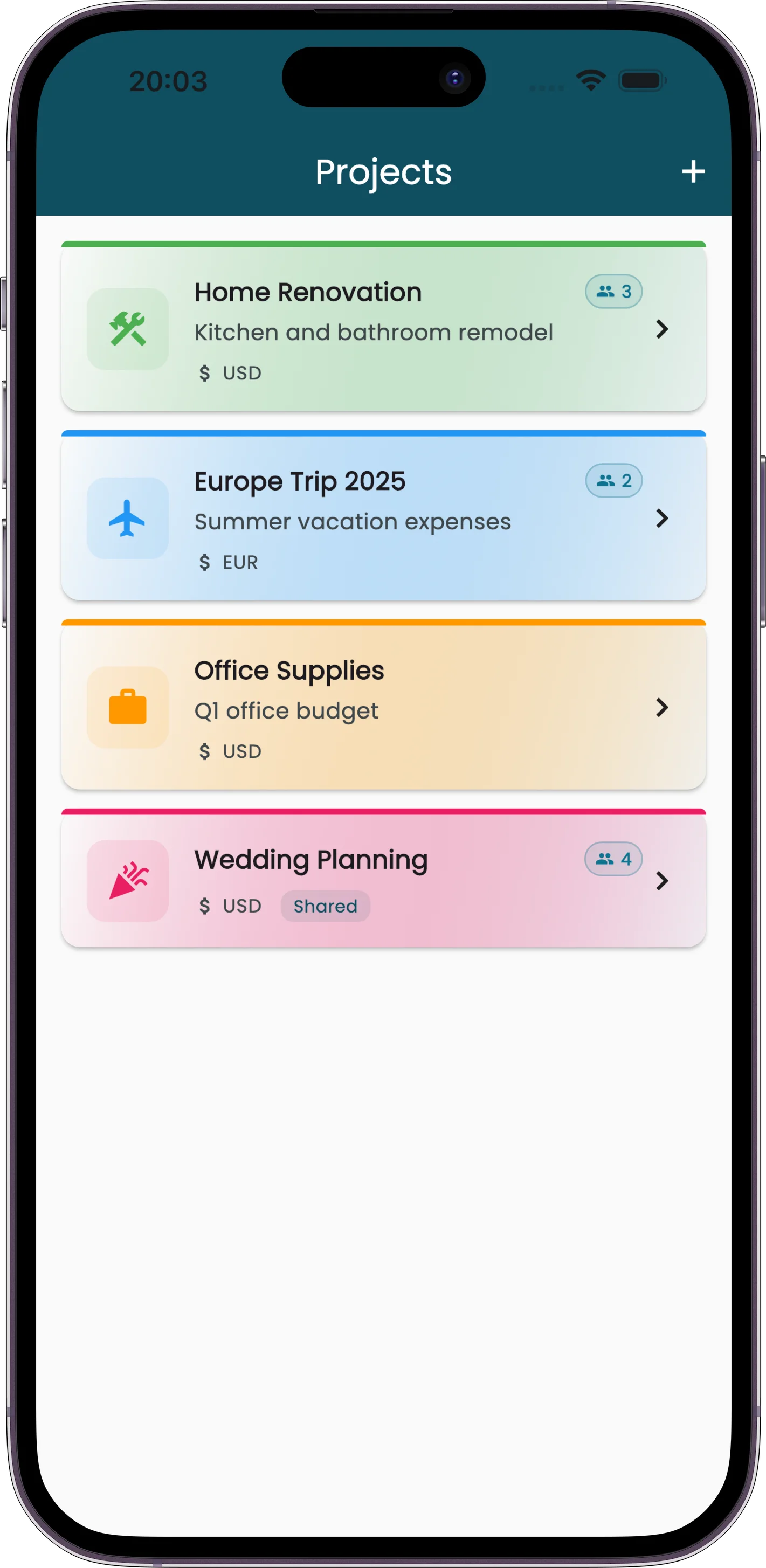
Create a Project for each client, or just one called "Business." Every receipt you log there stays separate from your personal spending. When you need to see only business expenses, filter by project. Done.
AI Receipt Scanning
Snap a photo. The AI reads the merchant, amount, date, and individual line items. It works on crumpled gas station receipts and fancy restaurant bills alike. No manual data entry unless you want it. See how scanning works.
Reports for Your Accountant
Generate PDF or CSV reports filtered by date range, category, or project. Hand your accountant a clean export, not a pile of paper. They'll thank you. You'll save on billable hours.
Chrome Extension for Online Purchases
Bought a domain name? Renewed your hosting? The Chrome extension captures receipts from your email or confirmation page so digital purchases don't slip through the cracks.
Tax Season Without the Panic
Every receipt you scan is searchable, categorized, and exportable. When April rolls around, you don't have to dig through emails or reconstruct six months of spending from bank statements.
Filter by date range. Pick your business project. Export as PDF or CSV. Send it to your accountant or import it into your tax software. The whole process takes minutes, not weekends.
And because Receiptix stores the original receipt image alongside the extracted data, you have proof of every expense if you ever need it. Our guide to receipt software for small business lists the five things that proof has to show, and how long the IRS expects you to keep it.
Built for How Freelancers Actually Work
- • Voice mode for when you're between meetings and need to log a coffee with a client. Just say what you spent and Receiptix records it.
- • Item-level tracking catches deductible items buried in larger purchases. Bought office supplies and snacks in the same trip? Receiptix separates them.
- • Multi-currency support if you work with international clients. No mental math, no manual conversions.
- • Offline scanning means you can snap receipts even without cell signal. Everything syncs when you're back online.
Perfect for Self-Employed Professionals
Freelance designers, writers, and developers. Consultants billing by the hour. Sole proprietors running an LLC. Side-hustlers with a day job who need to keep that income separate. Anyone who files a Schedule C and wants to stop guessing at deductions.
Whether you're logging the cab fare to a client meeting, a software subscription, or the receipt from a business lunch, Receiptix gives you one place to keep it all organized.
Frequently Asked Questions
Is Receiptix free for freelancers?
Yes. Receiptix is free to start — your first expenses are included, along with categories and basic charts. Premium lifts the expense limit and unlocks advanced reports and export, so you can try the app properly before you decide.
Can I separate business and personal expenses?
Yes. Create a Project for your business (or one per client) and log business expenses there. Everything stays separate from your personal spending, and you can filter or export by project at any time.
What formats can I export?
PDF reports and CSV files. Both work for handing off to an accountant or importing into tax software like TurboTax, H&R Block, or your CPA's preferred tool.
Does it work for tracking tax deductions?
Receiptix keeps a searchable archive of every receipt with the merchant name, date, amount, and line items. Filter by date range, category, or project, then export for your tax preparer. You'll have the receipt images as backup documentation too.
Stop Losing Deductions
Every lost receipt is money left on the table. Start tracking your freelance expenses today.