Receipt Software for Small Business: What to Look For
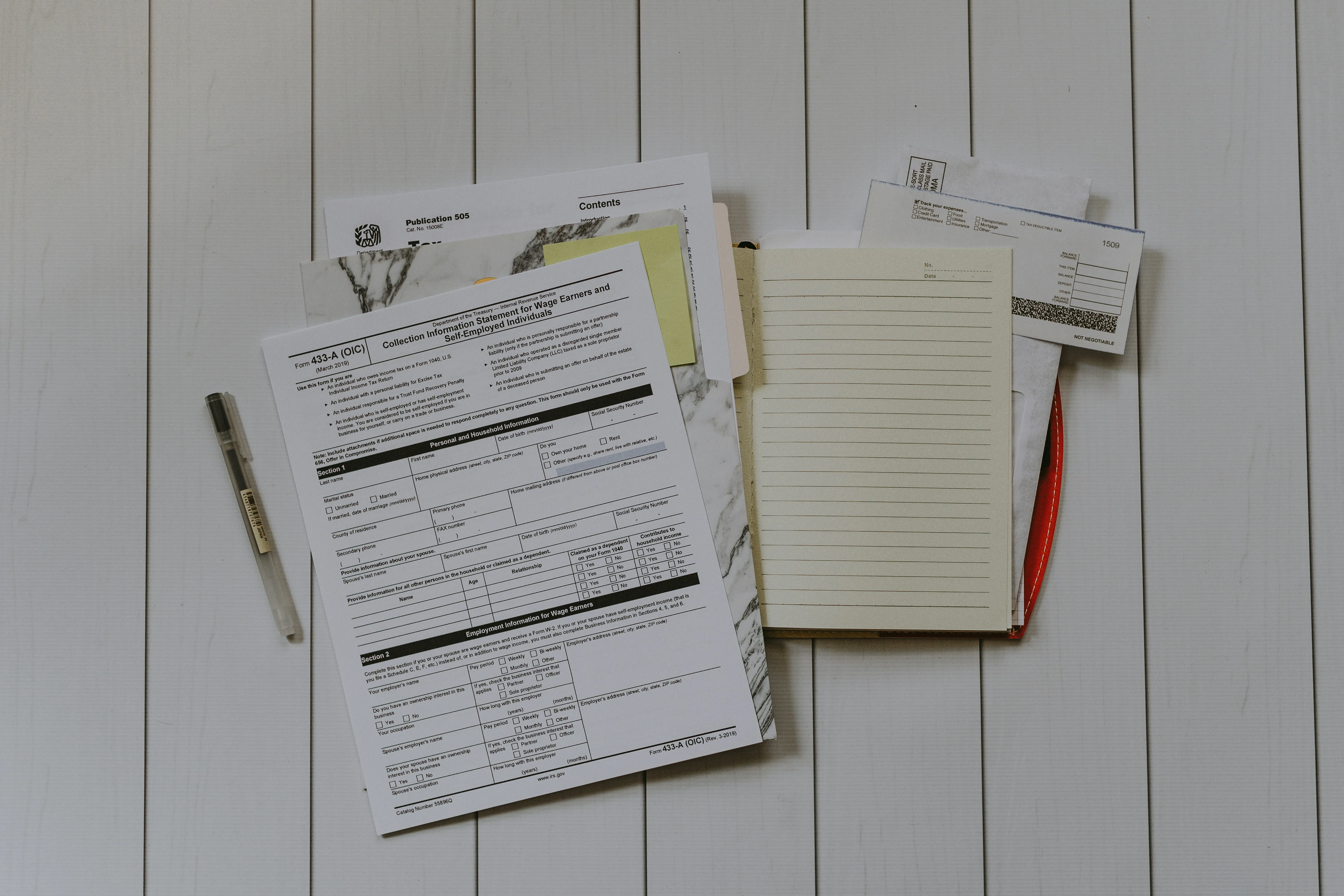
A graphic designer bought a $2,400 laptop last March, claimed it as a business expense, and got audited eight months later. She’d paid in cash. The receipt was somewhere in her apartment — maybe the kitchen drawer, maybe the glove compartment, maybe the recycling bin. She ended up paying tax on that $2,400 because she couldn’t prove it happened, which is a $600 lesson in what receipt software for a small business is actually for.
It isn’t for tidiness. It’s for the moment someone asks you to prove a number you wrote down eleven months ago. Everything below — what a receipt has to contain, what a good tracker does with it, when a spreadsheet stops being enough — comes back to that one moment.
What Every Receipt Has to Prove
Before you compare tools, know what the tool has to produce. The IRS doesn’t care about your organizational system. Shoeboxes, spreadsheets, apps — all fine. What they care about is substantiation. For any business expense you claim, you need to prove five things:
- Amount — what you paid
- Date — when you paid it
- Place — where the transaction happened
- Business purpose — why it was a business expense
- Who was there — for meals and entertainment only
A credit card statement covers the first three. It doesn’t cover the fourth, and the fourth is where deductions get denied. That’s why the receipt matters: it’s the document you annotate with “client meeting with Sarah, discussed Q3 campaign” or “office supplies for home studio.” Without that context, a $47 restaurant charge is just a restaurant charge, and the IRS has no reason to treat it as a deduction.
So the bar for any receipt tracker is simple. Can it store an image, keep the amount and date attached to it, and let you write down why you bought the thing? A camera roll fails the last one. So does most cloud storage.
For expenses under $75 the IRS technically doesn’t require a receipt at all, except for lodging. But “technically doesn’t require” is a dangerous phrase to build a system around.
What to Look For in a Receipt Tracker for Small Business
Every app in this category claims to scan receipts. The differences show up later — usually in April, when you’re trying to find one purchase from last summer. Here’s what separates the tools that hold up.
Capture that takes less than thirty seconds. This is the whole game. If logging an expense takes two minutes, you’ll do it for three weeks and then stop, and the receipts you skip are the ones you’ll need. Photograph it in the parking lot, before the receipt goes anywhere near a pocket.
Line-item extraction, not just totals. You buy printer ink and dog food in the same Target run. One receipt, two categories, and only one of them is deductible. Software that reads individual line items turns that into two entries. Software that only grabs the total leaves you to sort it out by memory eight months later.
A place to write the business purpose. Obvious, and routinely missing. If you can’t attach a note to an expense, the tool can’t produce what an auditor asks for.
Separation between business and personal. Not two apps, not two logins — one system where a client dinner and a grocery run live in different buckets you can filter by. This is the single biggest structural difference between people whose taxes take an afternoon and people whose taxes take a weekend.
Search that works across years. Finding “Staples, sometime in 2025” should take seconds. In a paper system it takes an afternoon. In a folder of 900 phone photos it takes longer than that.
Export with the images attached. Your accountant wants a spreadsheet. The IRS wants the receipt. A tool that gives you one but not the other has only done half the job. Look for CSV export and reports that carry the original photos.
Storage that outlives your phone. You need these records for years — and it’s worth knowing exactly how many.
How Long You Have to Keep Everything
The general rule: three years from the date you file the return that includes the expense. A receipt from January 2026 goes on your 2026 return, which you file by April 2027, which means you need that receipt until at least April 2030.
Three years is the floor, not the target. Keep records for seven years if you claim a loss from worthless securities or bad debt. And if the IRS suspects you underreported income by more than 25%, they can go back six years. Most small business owners are better off keeping everything for seven years and never thinking about the distinction again.
Digital copies count. The IRS has accepted scanned and photographed receipts since 1997. As long as the image is legible and you can produce it on request, a photo carries the same weight as the crumpled original — which is fortunate, because thermal paper often fades within a year.
Spreadsheet, Receipt App, or Accounting Software?
Three tools get used for small business receipt tracking, and they’re good at different things.
| Spreadsheet | Receipt tracker | Accounting software | |
|---|---|---|---|
| Cost | Free | Free to ~$10/mo | $30–90/mo |
| Stores receipt images | No | Yes | Usually |
| Capture speed | Slow, manual | Seconds | Varies |
| Handles invoicing, payroll | No | No | Yes |
| Setup effort | An hour | Minutes | Days |
| Fails when | Volume grows | You need double-entry books | You just wanted receipts |
A spreadsheet is a fine starting point and a bad ending point. It holds numbers but not evidence, so you end up with a second system for the images anyway, and two systems that have to agree are two systems that eventually don’t.
Accounting software is the right answer if you’re invoicing clients, running payroll, or reconciling bank feeds. It’s overkill if what you actually have is a phone full of receipts and a deadline in April.
A dedicated receipt tracker sits between them. It won’t do your books. It will make sure that when your books need a number, the proof exists and takes ten seconds to find. Plenty of freelancers run a freelancer expense tracker alone for years and only add accounting software when they hire someone.
The Receipts That Cost the Most When You Lose Them
Not every receipt deserves equal attention. These are the categories where small businesses leave the most money behind:
Home office. Use part of your home for business and you can deduct a share of rent, utilities, insurance, and maintenance. At $1,800/month rent with a dedicated 15% office space, that’s $270/month — $3,240 a year — but only with records showing the total cost and the business percentage.
Vehicle. Choose the standard mileage rate ($0.70/mile in 2026) or actual expenses. Either way you need a log. Actual expenses means every gas receipt, oil change, tire rotation, and insurance payment, plus a business-use percentage. Most people underestimate how much they drive for work until they start writing it down.
Client meals. Still 50% deductible, still requiring the names and the reason. An $80 dinner is a $40 deduction — if you wrote down who you ate with and what you discussed. The receipt alone isn’t enough.
Software and subscriptions. Project management, cloud storage, domain renewals, that stock photo plan you forgot to cancel. A typical freelancer spends $150–300/month on digital tools. All deductible, all needing a record.
Equipment and supplies. From a $12 notebook to a $3,000 camera. Under Section 179, most small businesses can deduct the full cost of equipment in the year they buy it, up to $1,250,000.
And the quiet one: small purchases. That $2,400 laptop feels worth saving a receipt for. The $8 pack of pens doesn’t. But $50/week in untracked supplies is $2,600/year in deductions you never claim — roughly $650 a year handed back to the IRS for no reason.
How Receiptix Handles It
Receiptix is built around the capture-it-now habit. Photograph a receipt and the AI scanning pulls out the merchant, date, total, and individual line items — so that mixed Target run becomes separate entries without manual sorting. Adding an expense by hand is free and unlimited; scanning, tags, and reports are part of the premium subscription.
The Projects feature is where the business-versus-personal split lives. One project for freelance work, another per client, no second app and no second account. Custom tags cut it finer still — by tax category, by job, by quarter — so assembling your deductions in April is a filter, not an excavation.
When your accountant or the IRS wants documentation, Receiptix builds expense reports with the original receipt images attached, and exports to CSV for whatever accounting software you already run. There’s a fuller walkthrough of expense tracking for a small business if you want to see how the pieces fit together.
Receipt tracking for a small business isn’t complicated. It’s relentless — every transaction, every week, for seven years. The businesses that do it well rarely have the most sophisticated setup. They have a thirty-second habit and a tool that doesn’t punish them for using it. Receiptix can carry the tedious part; the habit is still yours.
Note: This blog post is for informational purposes only and does not constitute financial advice. Always consult with a financial advisor for personalized guidance.