You Don't Need Enterprise Software
Small businesses have a straightforward problem: receipts come in, and they need to be tracked, organized, and reported on. That's it.
Most expense management tools were built for companies with 500 employees, approval chains, and dedicated finance teams. They come with mandatory onboarding, per-seat pricing, and features you'll never touch.
Receiptix does the job without the overhead. Scan a receipt, assign it to a project or client, pull a report when you need one. No training required. No per-seat fees eating into your margins.
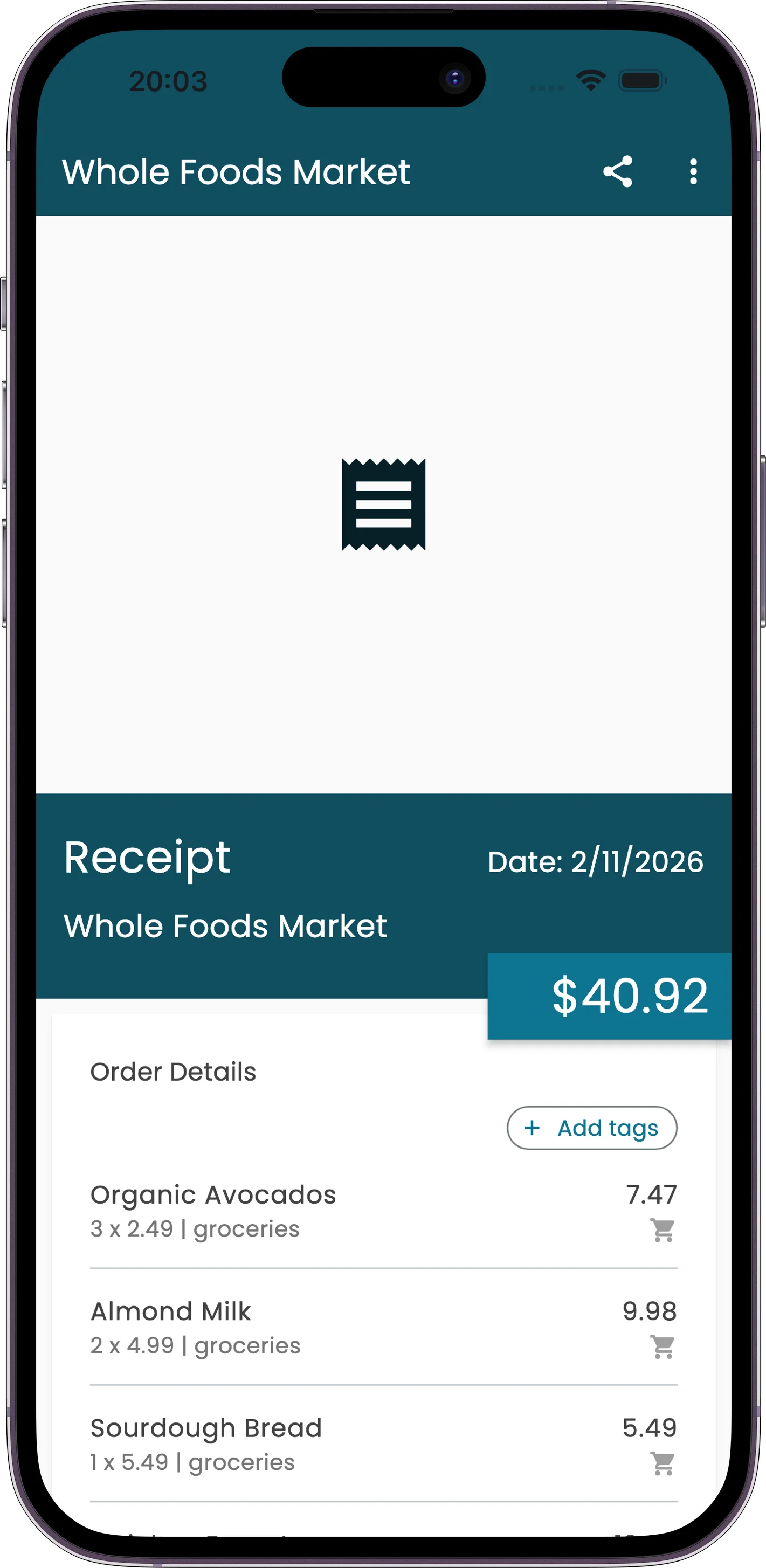
Is This You?
- Receipts stuffed in a drawer until your bookkeeper asks for them
- Business expenses mixed with personal purchases on the same card
- You've tried Expensify or SAP Concur and it felt like piloting a spaceship
- End-of-month reconciliation takes hours instead of minutes
- Your "expense tracking system" is a folder of photos on your phone
Built for How Small Businesses Actually Work
Projects for Clients & Departments
Create a project per client, job, or department. Every receipt for that work goes in one place. Need to see what you spent on a specific client? Pull that project's report. Takes seconds.
AI Receipt Scanning
Point your phone at a receipt. The AI reads the merchant name, date, total, tax, and individual line items. Works with faded thermal paper, handwritten receipts, and foreign languages. No manual data entry.
Team Access
Invite team members to a project. They log their own expenses from their own phones. You see everything in one report, broken down by person. No chasing people for receipts at month-end.
Export-Ready Reports
PDF and CSV exports. Filter by date, category, project, or team member. Hand the file to your bookkeeper or accountant as-is. No reformatting, no cleanup needed.
From Receipt to Report in Minutes
Here's how fast this actually works. You get a receipt at lunch with a client. You pull out your phone and scan it -- three seconds. The AI reads the merchant, amount, date, and line items instantly. It drops into the right project automatically based on your settings.
At the end of the month, you open the project, tap "Generate Report," pick your date range, and export. Two taps to generate, one to export, emailed to your bookkeeper before your coffee gets cold.
The receipts were already organized as they came in, so the report was already built — you just hit export. Total time spent on expense tracking for the month: minutes, not the hours you're used to.
Beyond Receipt Scanning
- Dedicated projects keep personal and business expenses separate — no untangling mixed transactions at month-end
- AI receipt scanning reads receipts in any language, useful if you work with international suppliers
- The Chrome extension captures online purchase confirmations directly from your browser
- Multi-currency support handles international vendors and overseas purchases without manual conversion
- The Telegram bot lets you log expenses on the go with a quick message -- no need to open the app
- Charts and reports show spending patterns across categories and projects so you spot cost creep early
Perfect For
Common Questions
How is this different from Expensify?
Receiptix is simpler on purpose. No approval workflows, no corporate policy engines, no per-seat pricing tiers that scale into hundreds per month. You scan receipts, organize them by project, and export reports. That covers what 90% of small businesses actually need. If you don't have a travel desk or a compliance team, you don't need software built for companies that do.
Can my whole team use it?
Yes. Create a project and invite your team members. Each person logs expenses from their own device. You see the combined total with per-person breakdowns in the project report. No more collecting receipts from people or chasing down missing expenses at the end of the month.
What about tax time?
Every scanned receipt is stored with the merchant name, date, amount, tax, and line items. When tax season hits, filter by date range, export as CSV, and hand it to your accountant or import it into your tax software. All the data is already structured -- no re-typing anything.
Is there a desktop version?
Receiptix is mobile-first, available on both iOS and Android. That's intentional -- receipts happen in the real world, and your phone is always with you. For online purchases, the Chrome extension captures email confirmations and order receipts automatically. Reports can be exported and viewed on any device.
Stop Losing Receipts. Start Tracking.
Free to download. Your first receipt scanned and categorized in under a minute.
Still comparing tools? Our guide to receipt software for small business covers what every receipt has to prove and when a spreadsheet stops being enough.