Item-Level, Not Just Receipt-Level
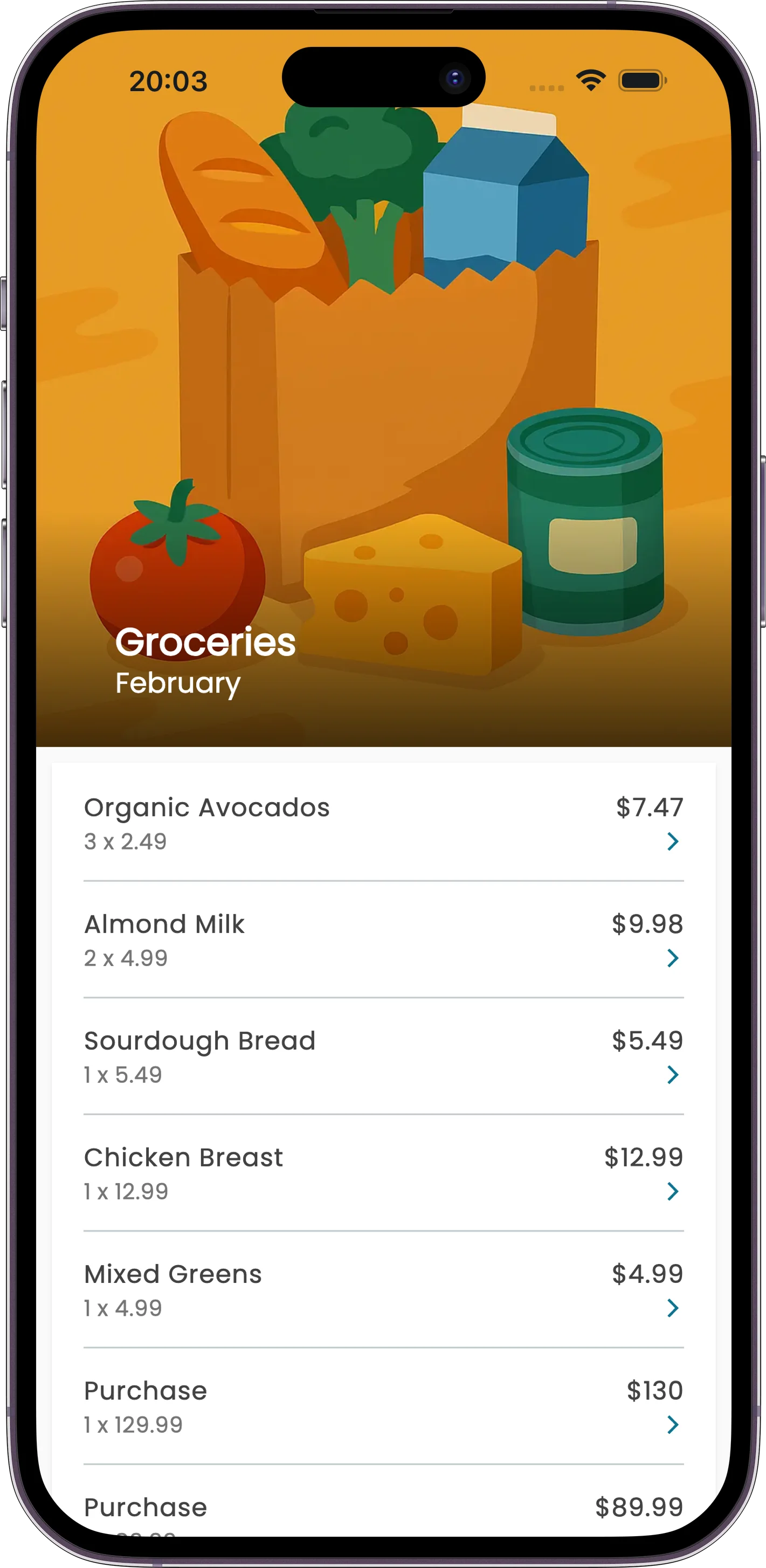
Most expense apps slap one category on an entire receipt. Receiptix goes deeper — it categorizes every individual item. Buy shampoo and snacks at a supermarket? The shampoo goes under Healthcare, the snacks under Food. One receipt, multiple categories, all automatic.
The AI reads the merchant name, each line item, and the context to pick the right category. You can always change it with a tap if it gets one wrong, but it usually doesn't need the help.
Why This Matters
Per-Item Accuracy
A $200 Walmart run isn't just "Shopping." It's $80 in groceries, $45 in household supplies, $30 in electronics, and $45 in clothing. Your reports reflect reality.
Zero Manual Work
Categories are assigned the moment you scan a receipt, log a voice entry, or type one in. You don't have to pick from a dropdown.
Context-Aware
The AI knows "Shell" is a gas station, not a seafood place. "Apple" at an electronics store is tech, not produce. Context drives the decision.
One-Tap Corrections
If the AI miscategorizes something, tap the category and change it. Takes two seconds.
Built-In Categories
Covers the full range of everyday spending:
Food & Dining
Transportation
Shopping
Entertainment
Housing
Healthcare
Electronics
Travel
Utilities
Education
Clothing
And More
Custom Tags for Extra Organization
Categories handle the "what." Tags handle the "why." Create custom tags like "Tax Deductible," "Client: Acme," "Vacation 2025," or "Reimbursable" to slice your expenses any way you need.
Tags work alongside categories — they don't replace them. So a restaurant dinner could be categorized as "Food & Dining" and tagged "Client: Acme" and "Tax Deductible" at the same time. When report time comes, you can filter by either.
How It Works
Add an Expense
Scan a receipt, use voice, type it in, or send it via Telegram. Doesn't matter how.
AI Categorizes
Each item gets a category based on the merchant, item name, and context. A grocery receipt might split across three categories.
See the Breakdown
Your reports show exactly how much you spent per category. Real numbers, not guesses.