Talk to It Like a Person
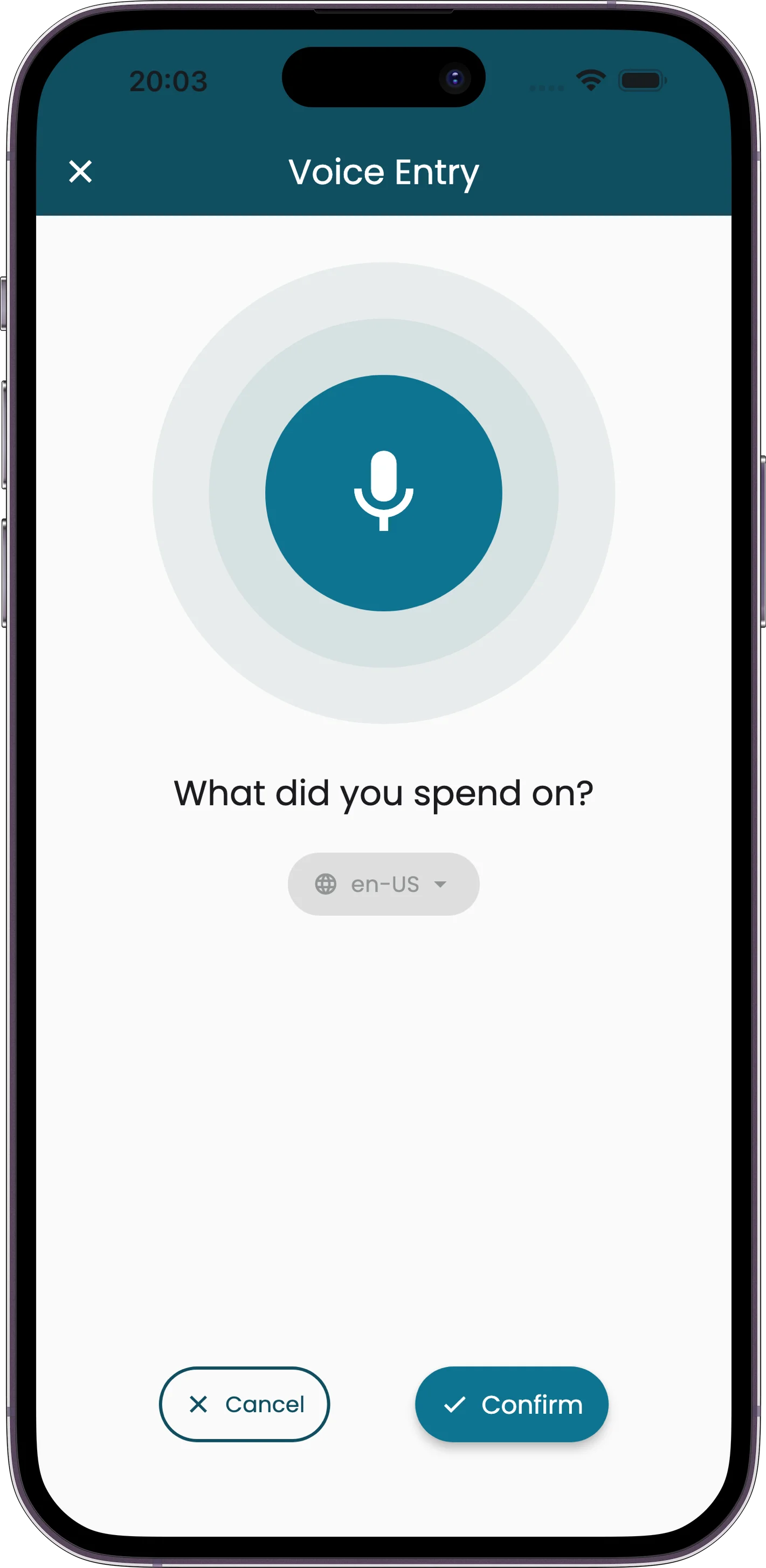
No receipt? Just say what happened. "Lunch at Chipotle, thirty-five bucks." Receiptix turns that into a full expense entry — amount, merchant, category, date — without you touching the keyboard.
It understands natural speech, not commands. You can say "about forty euros for the taxi" and it'll figure out the amount, the currency, and that it's transportation. Good for those moments when typing isn't practical — walking, driving, cooking, or just being lazy about it.
See how Receiptix works as a dedicated voice expense tracker for cash purchases, travel, and quick captures on the move.
Why Voice?
Hands Stay Free
Walking out of a store, carrying bags, driving — you're not going to pull up a form and type. Just talk.
Plain Language
No syntax to learn. Say it however you'd say it to a friend. The AI sorts out the structure.
Gets the Currency Too
Say "fifty euros" or "a hundred yen" and it picks up the right currency. Useful when traveling.
Auto-Categorized
Voice entries get categorized the same way scanned receipts do. "Gas station" goes to Transportation. "Pharmacy" goes to Healthcare.
Things You Can Say
There's no special format. Just describe what happened:
"Spent thirty-five dollars on lunch at Chipotle"
"Uber to the airport, twenty-two fifty"
"Paid fifty euros for museum tickets"
"Grocery run, about a hundred and twenty bucks"
"Six dollars for coffee this morning"
Three Taps, One Sentence
Tap the Mic
Hit the microphone button on the home screen.
Say It
Describe the expense in your own words. Amount, place, whatever you remember.
Done
The expense appears fully formed — amount, merchant, category, everything.
When Voice Mode Shines
Cash purchases where there's no receipt to scan
Quick logging while walking or commuting
Splitting a check where you just need to remember your part
Small expenses you'd otherwise forget to log