Voice vs Receipt Scanning: Which to Use When
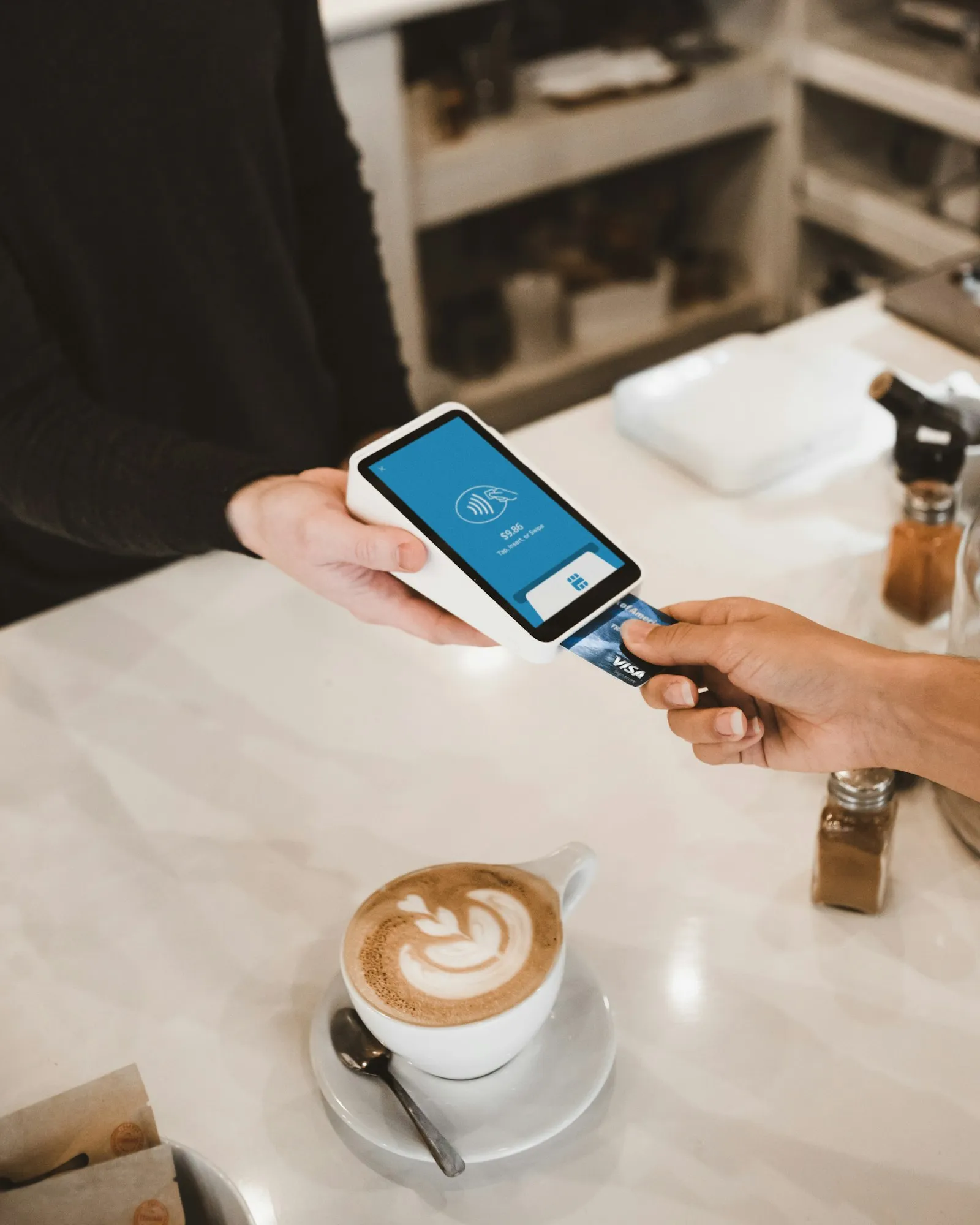
Voice input and receipt scanning aren’t competing methods. They solve different problems. Voice is fast and works when you don’t have a receipt. Scanning is detailed and captures information you’d never bother typing. The question isn’t which one is better — it’s which one fits the specific moment you’re in.
Here’s a framework for thinking about it.
What Voice Input Does Well
Voice works best for single transactions where speed matters more than detail. You paid $14 for lunch. You put $40 in gas. You dropped $6 on coffee. Each of these is one item, one amount, done.
The advantage is timing. You log the expense the moment it happens — walking out of the store, sitting in the parking lot, heading to the next thing. There’s no receipt to fish out of a bag, no app screen to navigate. Five seconds and it’s recorded.
Voice also handles situations where your hands aren’t free. Driving, carrying bags, cooking. These are exactly the moments when you’re most likely to skip logging if it requires any physical effort beyond talking.
The data you get from voice is lean: amount, category, maybe a merchant name. That’s enough for most everyday transactions. You don’t need an itemized breakdown of your $14 lunch — you just need to know you spent $14 on food.
Where Voice Falls Short
Voice can’t capture what it doesn’t know. When you say “forty-five dollars at the grocery store,” the system logs a $45 grocery expense. But a grocery receipt with 20 line items contains information that a single spoken sentence can’t convey — which items cost what, what was on sale, what you bought impulsively versus intentionally.
Accuracy also depends on context. Background noise at a busy restaurant, a distracted state of mind, or speaking too quickly can all produce errors. Most voice systems handle this well now, but “twelve” and “twenty” still get confused occasionally. For a $12 coffee that’s caught on review, but for a $120 versus $200 error it matters more.
And there’s the social factor. Saying “eight dollars, beer at the bar” while you’re still at the bar is awkward. Not everyone wants to narrate their spending out loud.
What Receipt Scanning Does Well
Scanning excels at multi-item purchases. A grocery run, a pharmacy trip, a hardware store visit — any transaction where the total is made up of many individual items. The scanner reads each line: product name, quantity, unit price, discounts applied.
That granularity is the whole point. A bank statement shows “Safeway, $87.” A scanned receipt shows that $87 was $23 in produce, $18 in dairy, $12 in snacks, $9 in cleaning supplies, and $25 in miscellaneous items. The difference between these two levels of data is the difference between knowing you spent money and understanding where it went.
Scanning also creates a digital archive. The physical receipt fades (thermal paper degrades within months), but the scanned version persists. Useful for returns, warranties, tax records, or just looking back at what you paid for something six months ago.
Where Scanning Falls Short
Scanning requires you to have a receipt. Cash purchases at a farmer’s market, splitting a bill at dinner, tipping a street vendor — no receipt, no scan. Plenty of everyday spending doesn’t produce a piece of paper.
It’s also slower than voice by a meaningful margin. You need to pull out the receipt, open the app, photograph it, wait for processing, and confirm the results. Maybe 30 seconds total, but that’s six times longer than a voice entry. If you have five receipts from a Saturday of errands, you’re looking at a few minutes of scanning — not a lot, but enough that some people batch it for later and then forget.
And “later” is the enemy of expense tracking. Every hour between the purchase and the log increases the chance you won’t bother. Receipts accumulate in wallets and pockets. The pile grows. The motivation shrinks.
The Decision Framework
Use voice when:
- The purchase is a single item or a simple transaction
- You don’t have a receipt (or don’t need one)
- Your hands are occupied
- You want to log it instantly and move on
- The total is all you need to know
Use scanning when:
- The receipt has multiple line items worth tracking individually
- You want to see what’s inside the total (groceries, household goods, etc.)
- You need the receipt as a record (tax purposes, warranties, returns)
- You’re doing a detailed review of spending in a specific category
- The receipt is right in front of you and you have 30 seconds
This isn’t a personality test. It’s a situational decision. The same person uses voice for their morning coffee and scanning for their weekly grocery haul. The method fits the moment, not the person.
Why Combining Them Works
Most of your transactions are small and simple — a coffee, a parking fee, a quick lunch. Voice handles these in seconds. A smaller number of your transactions are complex — grocery runs, pharmacy trips, big shopping days. Scanning captures the detail.
Together they cover the full range. You’re not choosing between convenience and detail. You’re using the right tool for each transaction type.
The combined data ends up in the same place: your spending record. A voice-logged $6 coffee and a scanned $87 grocery receipt both show up in your charts and category totals. The input method is different, but the output — a clear picture of where your money goes — is the same.
Tracking With Receiptix
Receiptix supports both methods. Voice input (premium) lets you speak expenses naturally — “thirty-two dollars, dinner at the Thai place” — and the app parses the amount and assigns a category. The AI receipt scanner photographs a receipt and extracts every line item, giving you the item-level detail that makes grocery and household spending comprehensible.
Both inputs feed into the same spending charts and category breakdowns. You don’t manage two separate systems. You just pick the faster method for whatever you’re logging at that moment.
The expense tracking method that works is the one you’ll use consistently. For most people, that’s not one method — it’s two, applied strategically. Speak the small stuff. Scan the detailed stuff. The combination captures more of your spending with less friction than either approach alone.
Note: This blog post is for informational purposes only and does not constitute financial advice. Always consult with a financial advisor for personalized guidance.