Cloud Sync
Always in Sync, Even Offline
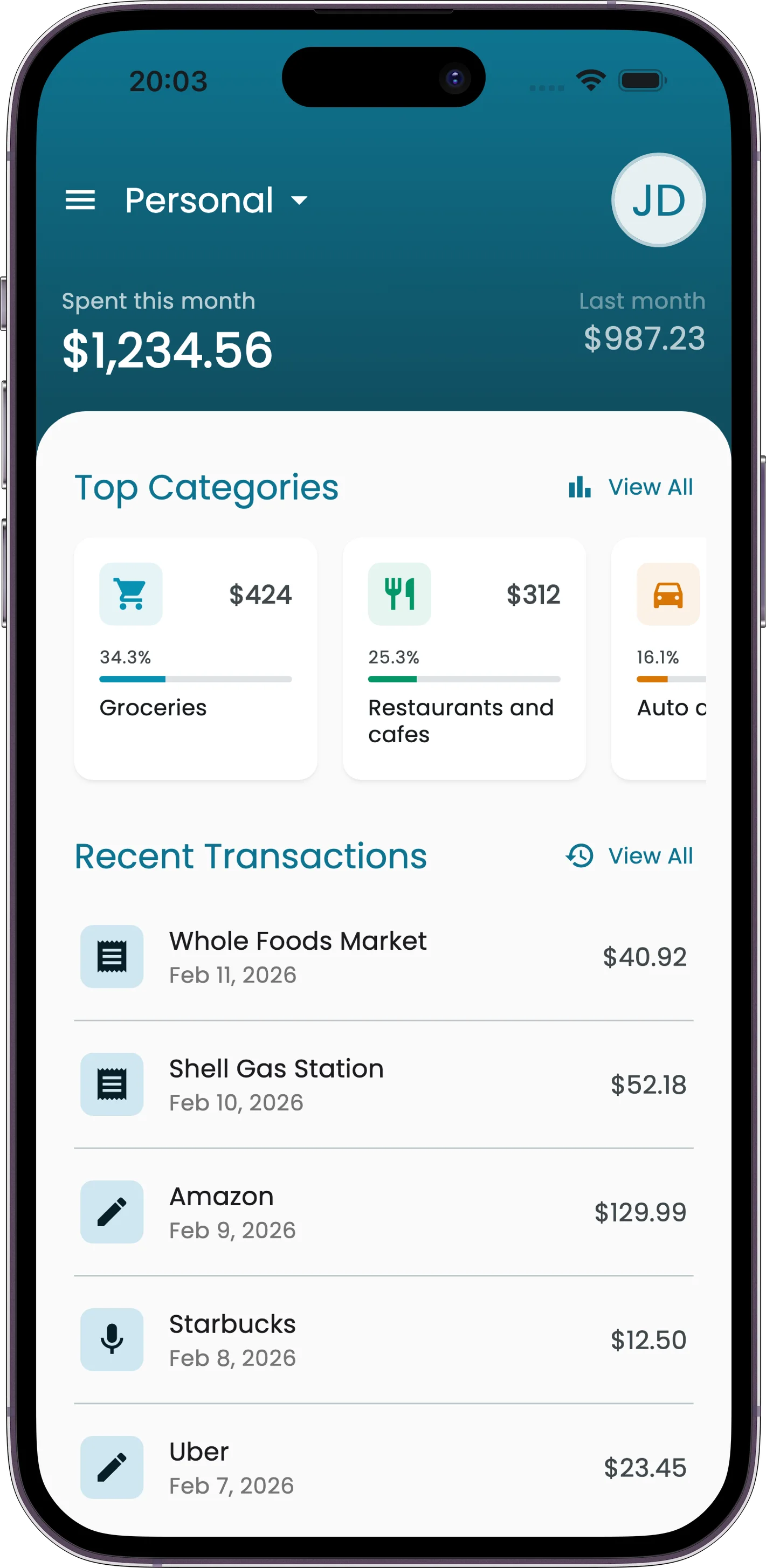
Receiptix syncs your data across all your devices in real time using Firestore. Add an expense on your phone and it appears on your tablet instantly. Lose connectivity and everything keeps working -- the app catches up automatically when you're back online.
Cloud sync is a free feature. Every Receiptix account gets it.
Real-Time Sync
Personal Data
Receipts, tags, and settings sync automatically across all devices signed into your account. Changes appear instantly.
Shared Projects
Data in shared projects broadcasts to all members in real time. When a teammate adds an expense, everyone sees it immediately.
Offline Support
No internet? No problem. You can create and edit receipts offline. Receiptix stores everything locally and uploads it when connectivity returns.
Upload Queue
When you create receipts offline, they enter an upload queue. The app automatically retries failed uploads with exponential backoff -- no manual intervention needed in most cases.
Pending
Waiting to upload
Uploading
Transfer in progress
Done
Successfully synced
Failed
Manual retry available
Receipt File Storage
When you scan a receipt or attach a file, the image or PDF is uploaded to cloud storage. Thumbnails are generated and cached locally for fast browsing.
Supported File Types
Security & Backup
- Authentication -- all data access is protected by Firebase Authentication. Only you (and your project members) can access your data.
- Encrypted transfer -- all data travels over encrypted connections. Nothing is sent in plain text.
- Automatic backup -- your data is automatically backed up via Firestore. No manual exports or backup steps needed.