Receipt Scanning
What is Receipt Scanning?
Receipt scanning uses AI-powered OCR to read your receipts and extract everything automatically: merchant name, date, individual line items with quantities and prices, discounts, and the total. You point your camera at a receipt, and the app does the rest.
It works with paper receipts, digital invoices, and PDF files. Receipts in any language are supported, so it handles everything from a corner store receipt to a foreign-language invoice.
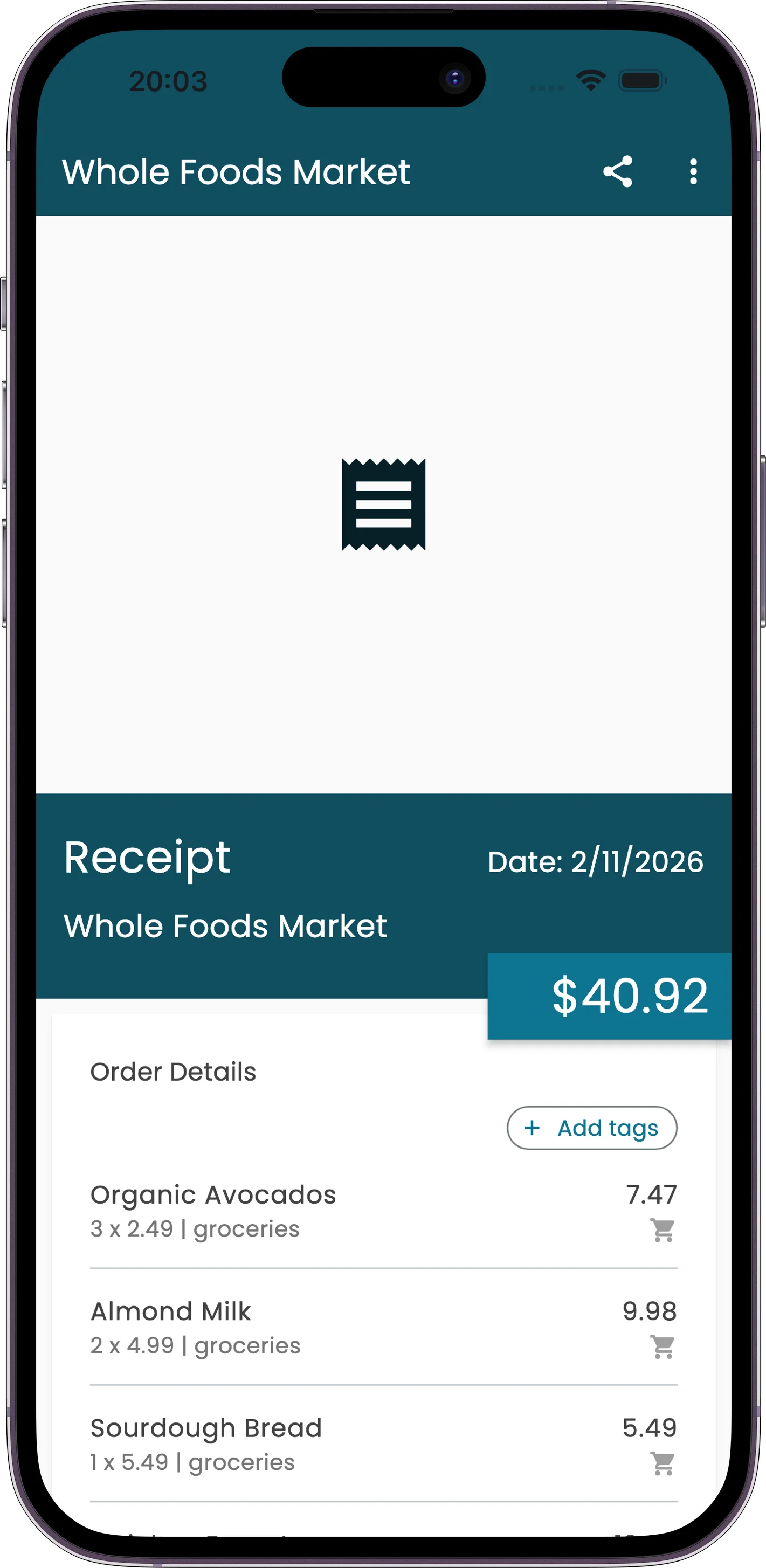
How to Scan a Receipt
Tap +
Open the add expense menu from the home screen.
Choose Source
Camera (take a photo), photo library (pick existing), or files (import a PDF).
Wait for AI
The receipt goes through: pending, processing, uploading, done.
Review & Save
Check the extracted data, make corrections if needed, and save.
What the AI Extracts
The AI reads the full receipt and pulls out structured data:
Header Info
- Merchant name
- Transaction date
- Currency
Line Items
- Item name and quantity
- Individual prices
- Discounts and totals
Supported Formats
Images
- JPG / JPEG
- PNG
- GIF
- WebP
Documents
- PDF files
Sources
- Camera (take a photo)
- Photo library (pick existing)
- Files app (import PDF)
Tips & Details
Offline Support
No internet? Receipts queue locally on your device and process automatically when you're back online. Nothing gets lost.
Any Language
The AI handles receipts in any language. Whether it's a thermal print from a Tokyo convenience store or a restaurant bill from Berlin, it'll extract the data correctly.
Rescan If Needed
If the results aren't satisfactory, you can rescan the receipt. This reprocesses the image through the AI for a fresh extraction.
Processing Flow
After you capture or select an image, it moves through four stages: pending (queued), processing (AI reading), uploading (syncing data), and done (ready to review).
Always Review
After scanning, you'll see the extracted data in an editable form. Take a moment to verify the merchant, amounts, and items before saving. You can correct anything the AI got wrong.