What Receiptix does
Every way to get an expense in, what Receiptix does with it once it's there, and how to see where the money went.
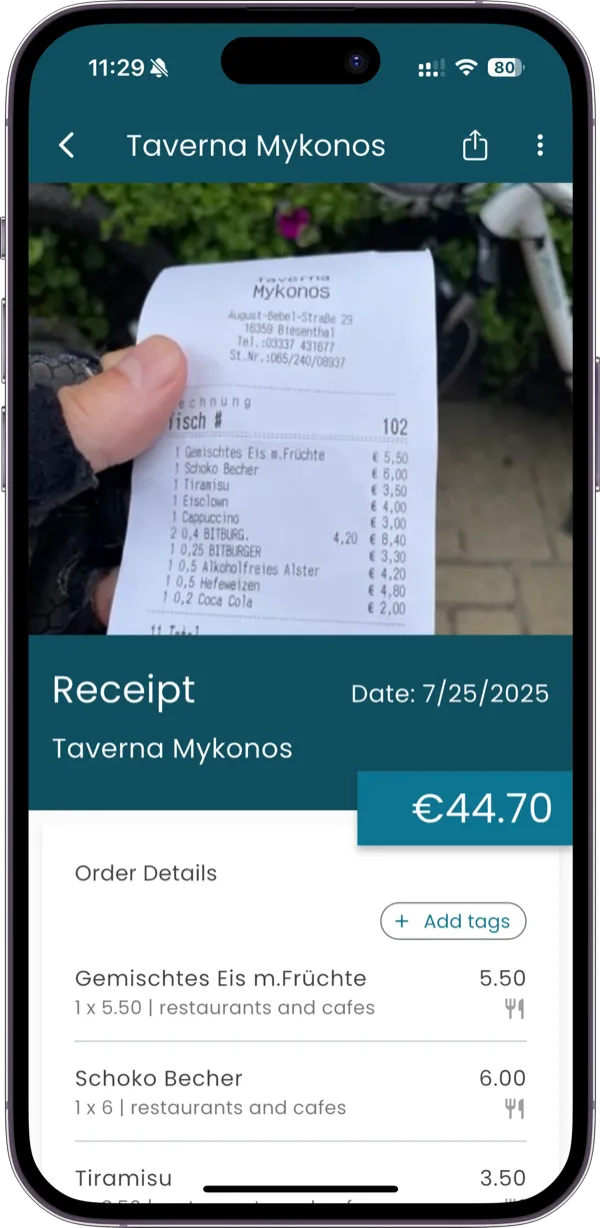
- Receipt scanningEvery line read from a photo or a PDF, in any language.
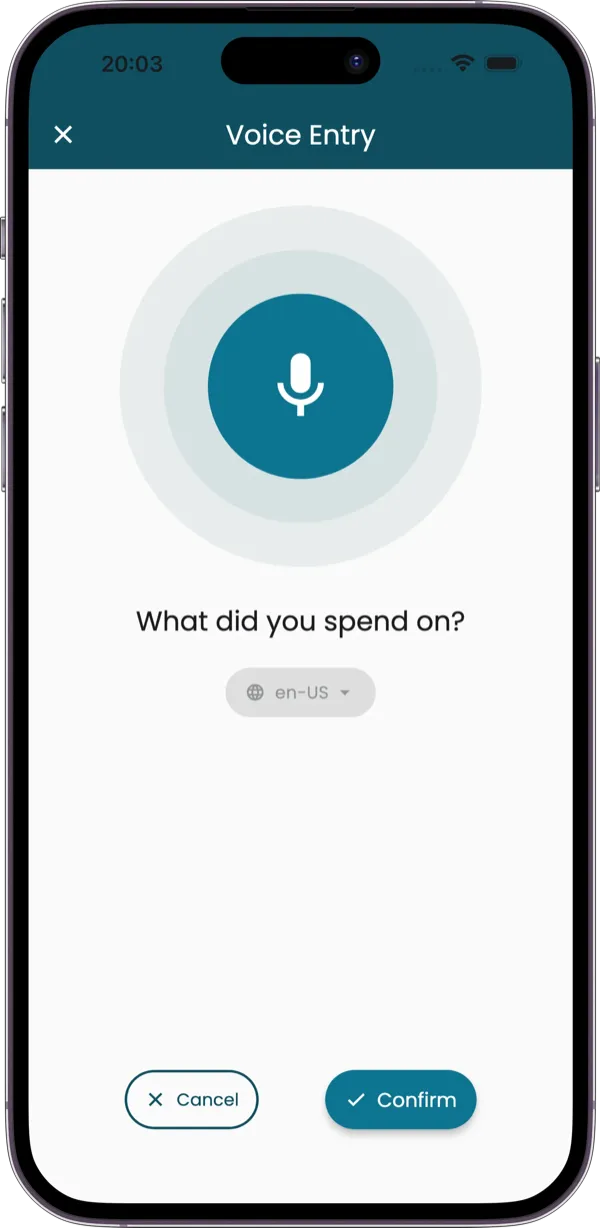
- Voice modeSay what you spent; Receiptix fills in the rest.
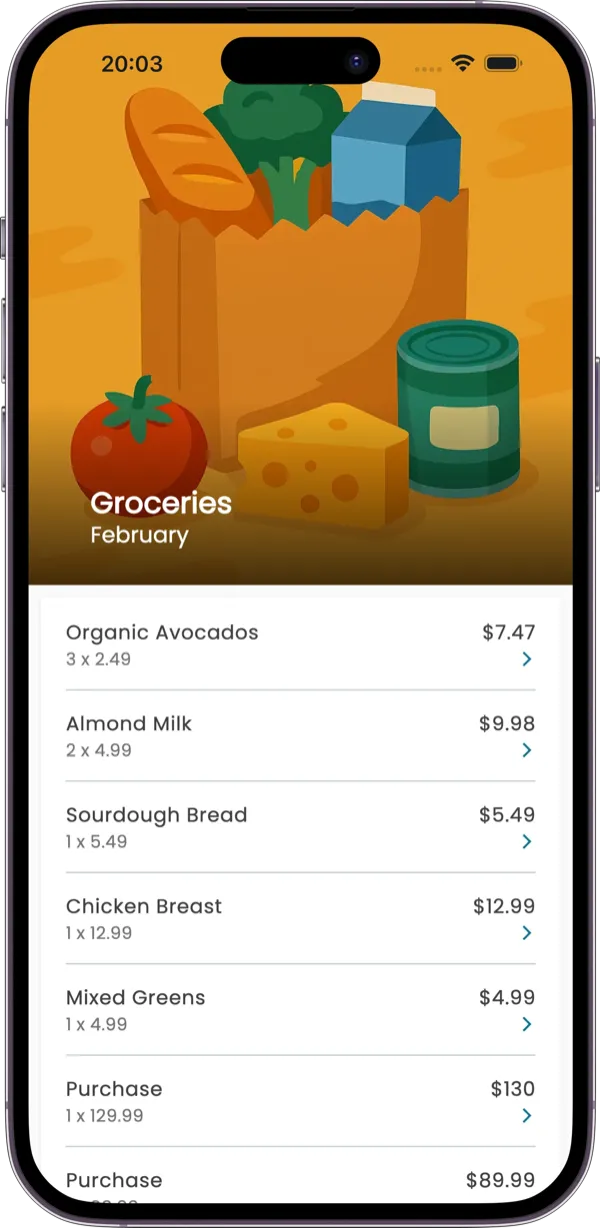
- Smart categoriesEach item on a receipt gets its own category.
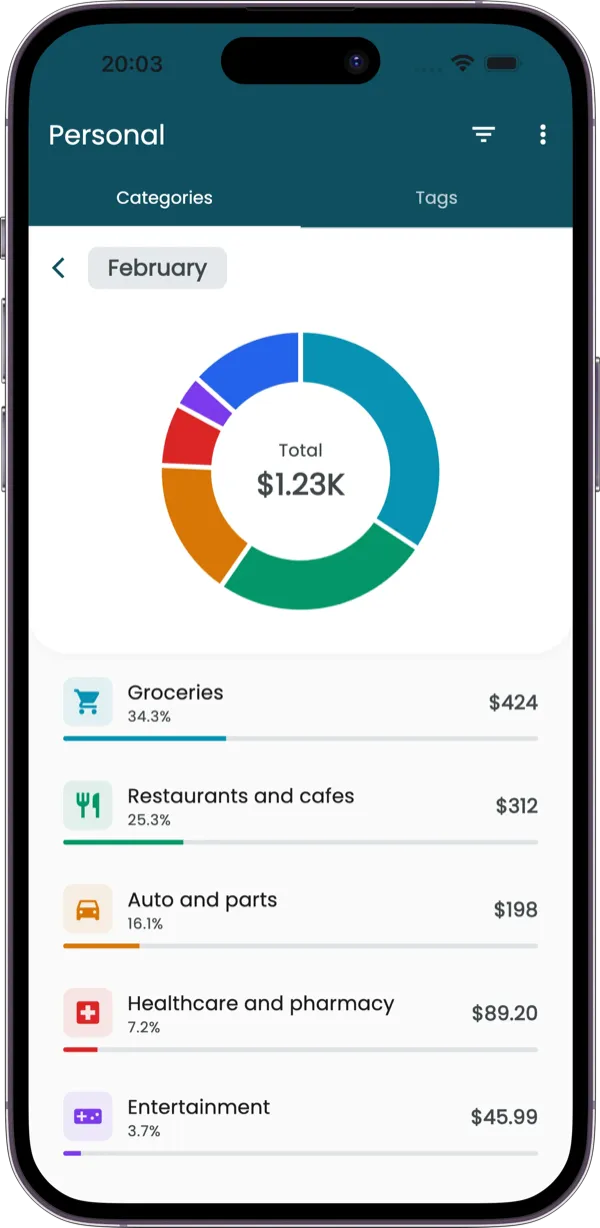
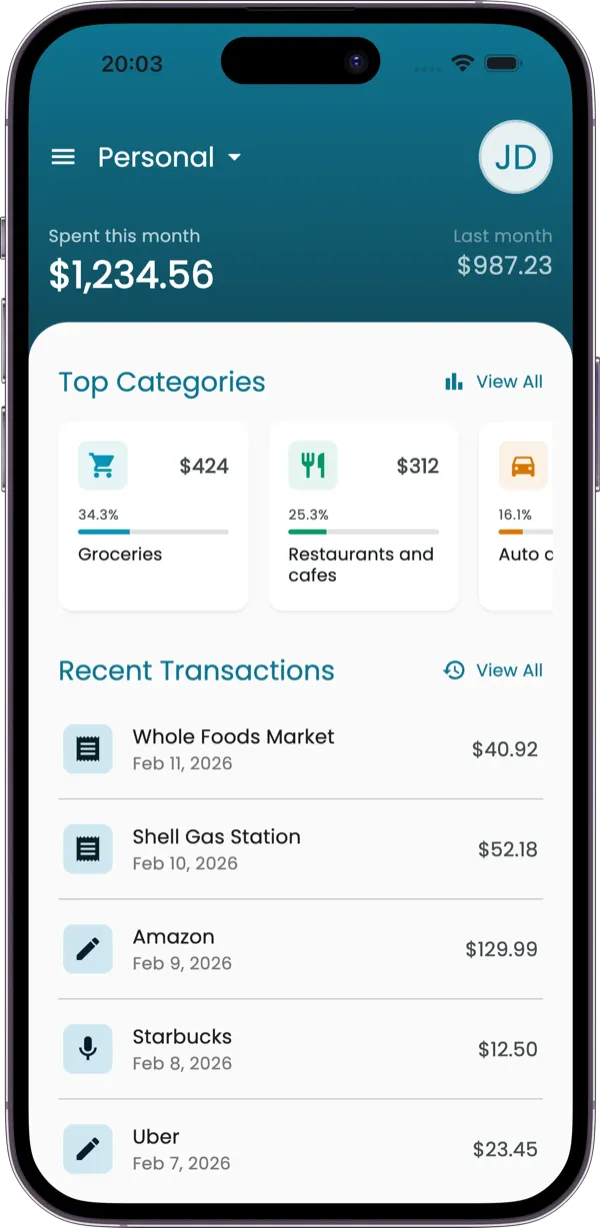
- Charts & reportsSpending by category, tag or person, and exports.
- WhatsAppText, photograph or forward an expense to the bot.
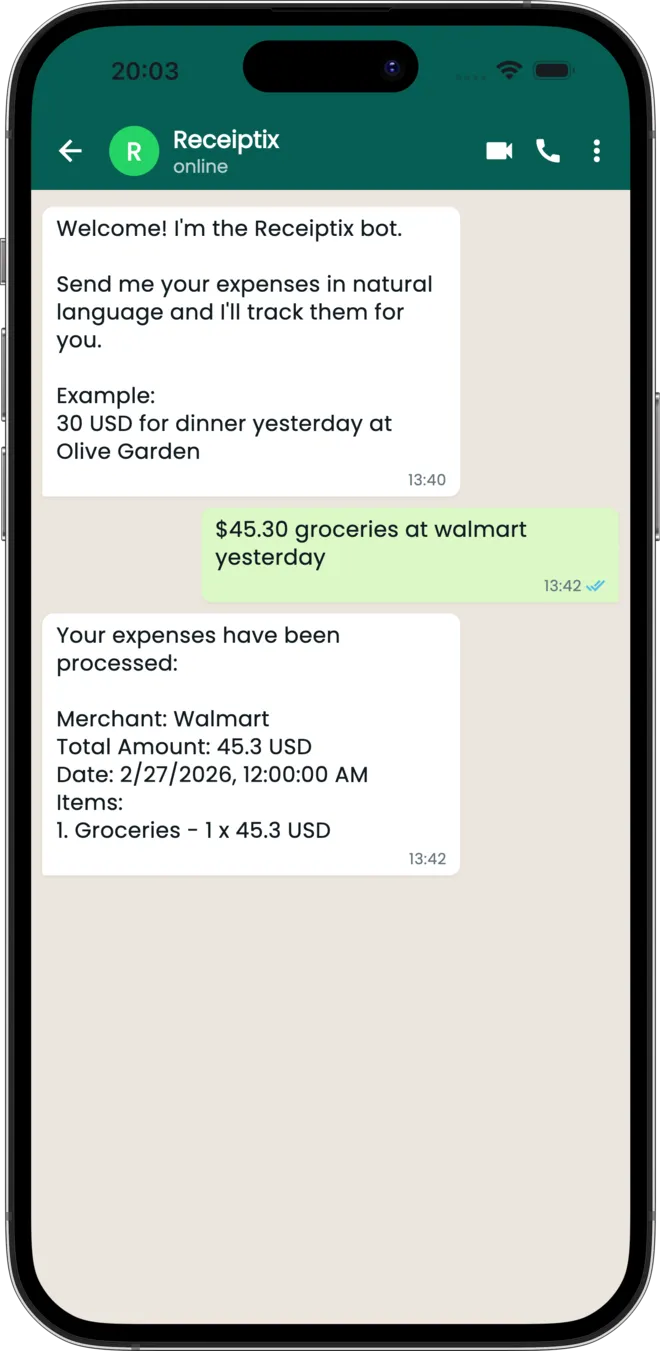
- TelegramMessages, photos and PDFs, straight from Telegram.

- Multi-currencyLog in any currency; totals convert at the day's rate.
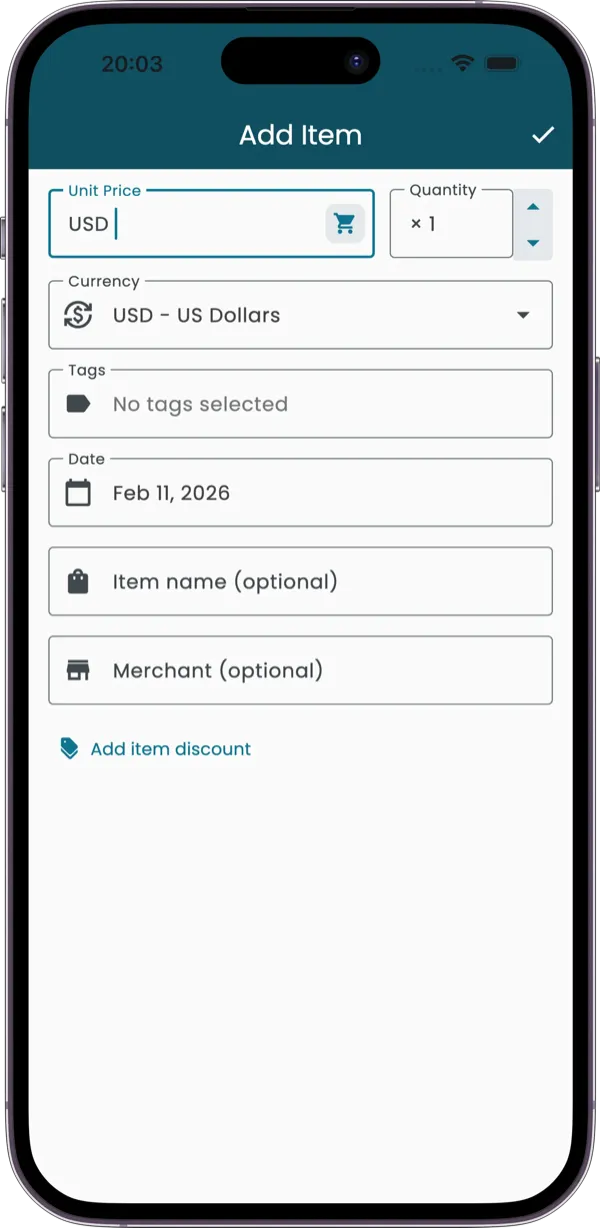
- Manual entryType it in, in seconds, when there was no receipt.
- Cloud syncAdd it anywhere and see it everywhere, backed up.
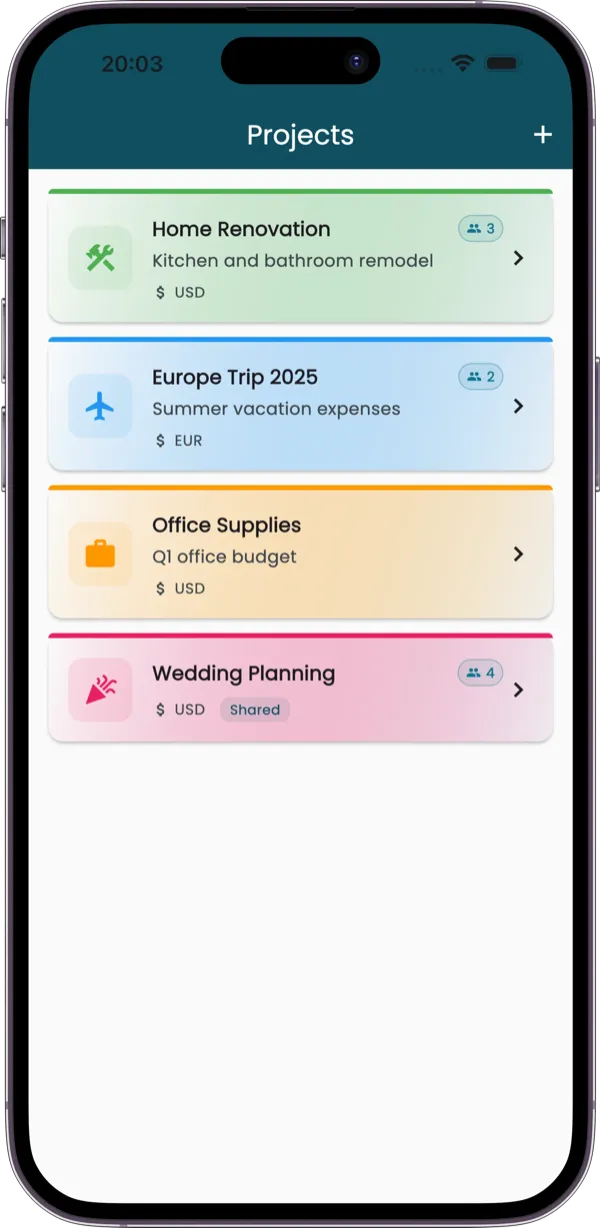
- ProjectsShare a project; everyone's receipts land in one place.
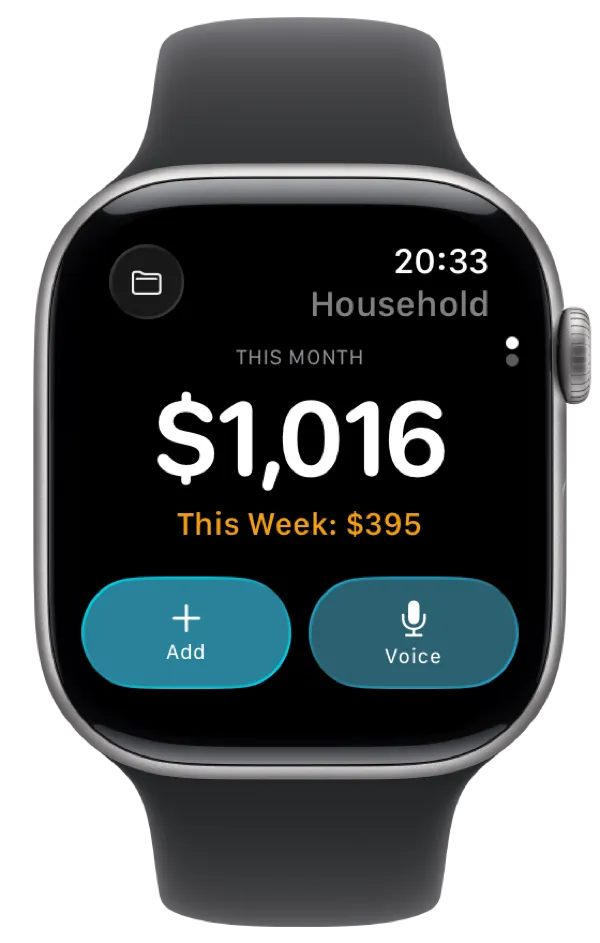
- Apple WatchLog from your wrist, by voice or by tapping in the amount.
Start with the next receipt you get.
Free to try on iPhone, Android, Apple Watch and the web. No account needed to begin.