What an AI Receipt Scanner Sees That You Don't

Last Tuesday you bought groceries. You know the total was $67.43 because the charge showed up in your bank app. What you probably don’t know: you bought the same brand of pasta sauce you bought three weeks ago at $4.29, except this time it was $4.79. An AI receipt scanner would have caught that in the time it took you to put the receipt in your pocket.
That price bump is small — fifty cents, barely worth noticing. But it’s the kind of thing that compounds across hundreds of purchases a year, and it’s exactly the kind of detail that separates an AI receipt scanner from a glorified camera.
What “Scanning” Actually Means Now
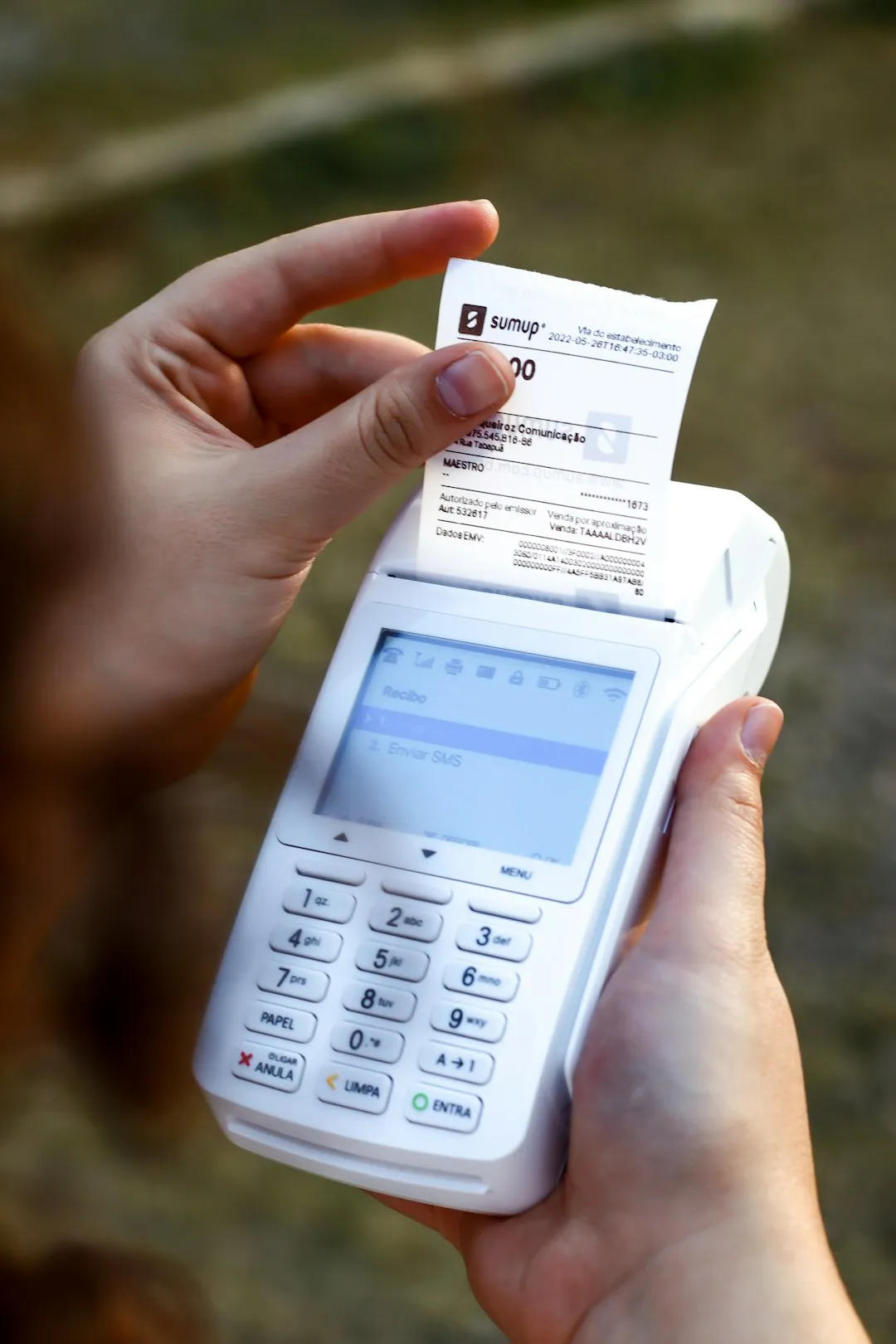
Most people picture receipt scanning as a fancy way to photograph paper. Point your phone, get a digital copy, throw away the original. And that’s technically accurate for the basic tools — the ones that use optical character recognition (OCR) to convert printed text into searchable data. They read the merchant name, the date, the total. Done.
But OCR is the floor, not the ceiling. Modern AI receipt scanners don’t just read the receipt — they parse it. That means breaking down each line item individually: product name, quantity, unit price, discounts applied, tax charged per item. A single grocery receipt with 23 items becomes 23 discrete data points, each one categorized, stored, and available for analysis.
The difference matters more than it sounds. Your bank statement says “Whole Foods — $67.43.” An AI scanner says “12 items across produce, dairy, pantry staples, and cleaning supplies, with two items on sale and one item that costs 12% more than it did last month.” One is a record. The other is the beginning of receipt intelligence.
The Intelligence Layer
Receipt intelligence is what happens when scanning meets pattern recognition — when the AI isn’t just reading individual receipts but connecting them across time. It’s the difference between knowing what you bought today and understanding how your spending behaves.
Categorization that learns. A basic scanner might label everything from Walgreens as “pharmacy.” A smart one recognizes that your Walgreens receipt includes $8 in shampoo (personal care), $14 in cold medicine (health), and $6 in candy (snacks). It learns that when you buy something at a hardware store with “paint” in the name, it’s a home improvement expense — and after you correct it once on a misclassified item, it doesn’t make the same mistake again.
Price tracking across receipts. No single receipt tells you that your regular oat milk has gone from $3.99 to $4.49 over six months. You’d need to compare dozens of receipts side by side, and nobody does that. But an AI that’s been scanning your grocery receipts all year has that data already organized and indexed. When prices drift upward, it can surface the change without you asking.
Spending drift detection. Your weekly grocery spend was $55-65 in January. By March it crept to $70-80, and you didn’t notice because it happened gradually — an extra item here, a brand upgrade there. The individual receipts all looked normal. The pattern only becomes visible when you zoom out across weeks, and that’s exactly the kind of analysis humans are bad at and algorithms are good at.
Duplicate and redundant purchases. You bought olive oil on March 3rd and again on March 17th because you forgot you still had a bottle at home. Across a year, these overlaps add up — one study found that the average household wastes $1,300 annually on food alone, much of it from buying things they already have. A scanner that tracks your purchase history can flag when you’re about to duplicate something you bought recently.
What Single Receipts Hide
A receipt in isolation is just a transaction record. Receipt intelligence emerges from volume — from scanning consistently over weeks and months until the AI has enough data to spot what you can’t.
Consider a freelancer who eats out for lunch most workdays. Each individual receipt looks reasonable: $12 here, $15 there. Nothing alarming. But scanned and aggregated over three months, those lunches total $780. That’s a number the freelancer probably doesn’t know and definitely hasn’t compared against what it would cost to bring food from home. The AI doesn’t make that comparison for you (it’s not your dietitian), but it surfaces the data that makes the comparison possible.
Or take subscription creep. You signed up for a $9.99/month service in January that bumped to $12.99 in April. If you’re scanning receipts or digital confirmations from your email, the AI catches the price change. If you’re relying on your bank statement, you’re scanning a list of recurring charges and hoping one of them looks different — which, at a $3 increase, it probably doesn’t.
The pattern recognition extends to shopping behavior too. AI can identify that you spend 30% more at grocery stores on weekends than weekdays, or that your Target runs consistently exceed your Costco trips on a per-item basis despite the perception that bulk buying saves money. These aren’t revelations that come from any single scan — they require the accumulated intelligence of dozens of receipts analyzed together.
Where AI Still Falls Short
Receipt intelligence isn’t magic, and it’s worth being honest about the edges. AI scanners struggle with:
Faded thermal paper. The receipts that most need scanning — the ones that will be unreadable in six months — are also the hardest to scan accurately right now. Faded text, smudged ink, and crumpled paper all reduce OCR accuracy. The best approach is to scan receipts the day you get them, before thermal printing starts to fade.
Handwritten notes and corrections. If a cashier crossed out a line and wrote a new price, most scanners will either miss the correction or double-count the item. Manual review still matters for receipts with handwritten amendments.
Context the receipt doesn’t contain. A receipt can tell you that you spent $47 at a restaurant, but it can’t tell you that it was a client dinner versus a personal meal. The business purpose, the “why” behind the transaction — that’s still something you need to add yourself. AI can make it faster (suggesting categories based on past behavior, auto-tagging business meals at restaurants you’ve tagged before), but it can’t read your mind. For a business expense, that note is the part an auditor asks for, and a place to write it is one of the first things to check in receipt software for small business.
Foreign languages and non-standard formats. Receipt layouts vary wildly across countries and even between retailers in the same country. A scanner trained primarily on US receipt formats may misparse a European receipt that puts the total in a different location or uses comma-separated decimals. Coverage is improving, but it’s uneven.
None of these limitations are permanent — OCR accuracy and layout parsing improve with every generation of models. But right now, the smartest approach is to treat AI scanning as a first pass that handles 90% of the work and leaves you with the 10% that needs human judgment.
The Item-Level Difference
The gap between total-only tracking and item-level tracking is where receipt intelligence really earns its keep. When all you have is “$67.43 at Whole Foods,” you can track that your grocery spending is going up, but you can’t answer why. Is it price inflation on items you always buy? Are you buying more items per trip? Did you switch to more expensive brands?
Item-level data answers all of those questions, and AI scanning is the only practical way to get it. Nobody is going to manually type 23 line items from a grocery receipt into a spreadsheet every week. An AI scanner does it in seconds, and the intelligence compounds from there — each receipt adds to a dataset that gets more useful the larger it grows.
How Receiptix Handles This
Receiptix’s AI receipt scanner reads receipts at the item level by default. Photograph a receipt and the AI extracts every line item — product, quantity, price, and category — not just the total. Smart categorization learns from your corrections, so it gets more accurate the more you use it. If you recategorize “CVS” purchases from “pharmacy” to the specific subcategories, it remembers.
Custom tags let you layer your own organization on top of the AI’s categorization — tag expenses by client, by project, or by whatever grouping makes sense for how you actually spend. And because every scanned receipt stores the original image alongside the extracted data, you can always go back and verify when something looks off.
The spending charts pull from this item-level data, so you’re not just seeing “groceries went up” — you can drill into which categories within groceries drove the change and whether it was volume or price.
Receipt intelligence isn’t a feature you check off a list — it’s what accumulates when you scan consistently and let the data build. The AI does the extraction and the pattern-matching. Your job is the thirty-second habit: photograph the receipt before it fades. Receiptix handles the rest.
Note: This blog post is for informational purposes only and does not constitute financial advice. Always consult with a financial advisor for personalized guidance.