How AI Helps You Track Expenses (Without the Busywork)

A Bank of America survey found that 73% of Americans consider themselves “savers” — but fewer than half have a monthly budget. The gap between intention and action is where most people’s finances quietly fall apart. Not because they’re bad with money, but because tracking it has always been tedious enough to skip.
AI is closing that gap. Not with some futuristic robo-advisor fantasy, but with practical tools that handle the grunt work of recording, sorting, and making sense of what you spend. If you’ve tried and abandoned a spreadsheet or budgeting app before, this is the part worth paying attention to.
What AI Actually Does in Expense Tracking
Strip away the marketing buzzwords and AI in personal finance boils down to a few concrete things:
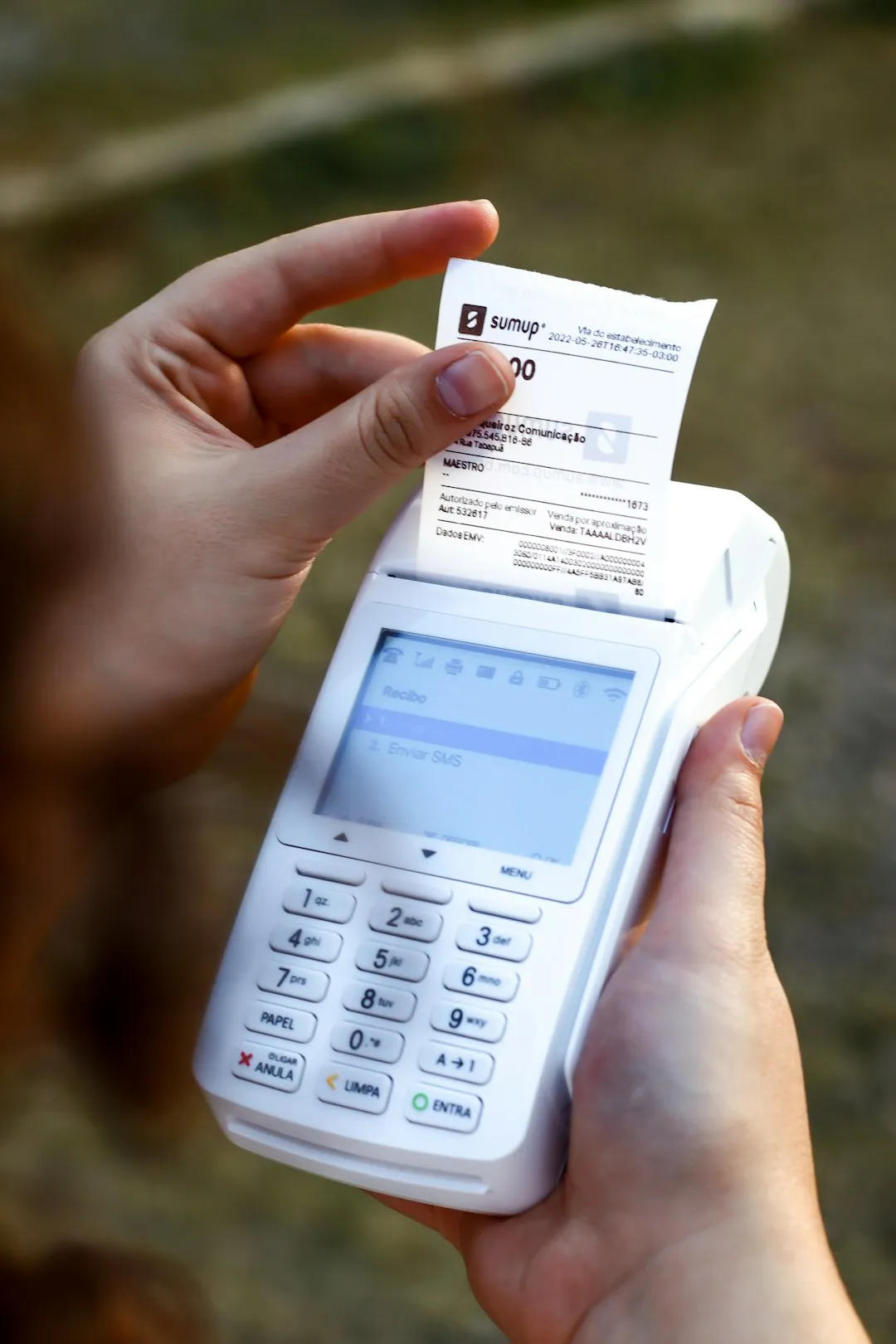
It reads your receipts. Point your phone camera at a crumpled grocery receipt, and optical character recognition (OCR) paired with machine learning extracts the store name, date, total, and individual line items. A receipt from Target with 23 items? Parsed in under 3 seconds. Compare that to the 4-5 minutes you’d spend typing it all into a spreadsheet.
The accuracy has gotten good, too. Modern receipt scanners handle faded ink, wrinkled paper, and those annoyingly long CVS receipts. They pull tax amounts, discounts, and tip lines. Five years ago, this tech misread every other number. Today it’s reliable enough that you rarely need to correct anything.
It sorts your spending into categories. Early expense apps asked you to manually tag every transaction. AI models trained on millions of transactions can look at “$14.50 at Chipotle” and file it under Food & Dining without being told. Some apps learn from your corrections, too — if you reclassify your gym’s smoothie bar from “Dining” to “Health,” the system remembers next time.
It spots patterns you’d miss. Humans are bad at noticing gradual changes. Your DoorDash spending creeping up $15/month over six months? You won’t catch that scanning your bank statement. An algorithm will, because it doesn’t get bored or distracted. That kind of slow drift is how $50/month turns into $140 before you notice.
The Receipt Problem (And Why It Matters)
Here’s a number that might surprise you: the average American household makes roughly 1.6 purchases per day. That’s about 50 transactions a month. If each one takes 30 seconds to log manually, you’re looking at 25 minutes of pure data entry per month — assuming you never fall behind.
Most people fall behind.
The receipts pile up in a wallet, a coat pocket, a kitchen drawer. By month’s end, you’ve got a stack of faded thermal paper and no memory of what half of it was for. This is where manual tracking breaks down for most beginners. You start strong in January, taper off by February, and by March the spreadsheet hasn’t been opened in weeks.
AI receipt scanning flips this equation. Snap a photo when you walk out of the store. Done. The time cost drops from 30 seconds of focused typing to 3 seconds of pointing a camera. That 90% reduction in friction is what makes the difference between tracking consistently and giving up by week two.
There’s a compounding benefit, too. When scanning takes almost no effort, you actually do it for the small purchases — the $3 coffee, the $7 parking fee. Those are the expenses that slip through the cracks of manual tracking, and they often add up to hundreds per month.
Smart Categorization: Better Than You Think
The first generation of auto-categorization was rough. Everything from Amazon got lumped into “Shopping” whether it was dog food or a laptop charger. Modern AI does better.
Good categorization systems work on multiple signals: the merchant name, the transaction amount, the time of day, and what you’ve bought there before. A $4.75 charge at Starbucks at 7:30 AM gets tagged “Coffee.” A $42 charge at the same Starbucks at 2 PM (a group order, maybe) might still get tagged correctly, but it’ll flag the unusual amount.
Where this gets powerful is at the line-item level. Apps that scan the full receipt — not just the total — can tell you that your $87 Walmart trip was $34 in groceries, $28 in household supplies, and $25 in random impulse buys near the checkout. That breakdown is far more useful than a single “Walmart: $87” entry when you’re trying to figure out where your money goes each month.
This matters because understanding your spending categories is the foundation of any budget. You can’t cut back on eating out if you don’t know you’re spending $380/month on it. And you won’t know that number if half your restaurant visits are miscategorized as “General” or “Other.”
Where AI Falls Short
Let’s be honest about the limitations.
Cash transactions. AI can scan a receipt, but if you don’t get one (or lose it), there’s no data to work with. Some apps offer voice input as a backup — you say “spent $12 on lunch” and it logs the entry — but it’s still a manual step.
Garbage in, garbage out. If you only scan half your receipts, your spending picture is incomplete. AI can’t analyze transactions it doesn’t know about. Consistency matters more than the tool you use. Someone who logs 90% of expenses in a basic notes app has better data than someone who scans 40% of receipts with the most advanced AI.
Over-reliance on automation. There’s a risk of treating expense tracking as “set it and forget it.” The scanning and sorting is automated, but the acting on the data part is still on you. A chart showing you spent $600 on subscriptions last month is useless if you never look at it. The point of tracking is to create a feedback loop: record, review, adjust. AI handles step one. Steps two and three are yours.
Privacy tradeoffs. Some AI-powered apps process your receipts on external servers. If you’re scanning grocery lists, that’s probably fine. If you’re logging medical expenses or other sensitive purchases, it’s worth checking where your data goes and who can see it.
Voice Input: The Underrated Feature
Most coverage of AI in finance focuses on receipt scanning, but voice input deserves more attention. It solves a different problem: the moments when you don’t have a receipt at all.
You split a cab with a friend and Venmo them $8. You drop $3 in a tip jar. You buy a water bottle from a street vendor. None of these come with receipts, and they’re easy to forget. Voice logging lets you capture them in the moment — “three dollars, coffee tip” — before they slip through the cracks.
Natural language processing has gotten good enough that you don’t need a specific format. Say “spent forty bucks on groceries at Trader Joe’s” and the app parses the amount, category, and merchant. No menus to tap through, no forms to fill out. Just talk and move on.
It’s not glamorous tech. But the expenses that slip through the cracks are often the ones that add up fastest.
Getting Started with AI Expense Tracking
Receiptix handles the AI side of this with a few features worth noting. Its receipt scanning pulls individual line items from a photo — not just the total, but each product and its price. Smart categorization learns from your corrections and gets more accurate over time. And its voice input lets you log those receiptless moments in a few seconds.
Receiptix also supports multi-currency tracking, which is useful if you travel or shop from international sites. Your spending data shows up as charts and PDF summaries, so you don’t need to export anything to a spreadsheet just to see where your money went.
AI won’t fix your finances. No app will. What it does is remove the friction that makes most people quit tracking before they see results. Scanning a receipt takes 3 seconds. Saying “twenty bucks, gas” takes 2. Those low barriers are what turn a good intention into an actual habit.
Start with Receiptix or any tool that fits how you spend. The best expense tracker is the one you’ll use tomorrow, and the day after that, and the day after that. AI’s job is to make sure the bar for “using it” is low enough that you clear it every time.
Note: This blog post is for informational purposes only and does not constitute financial advice. Always consult with a financial advisor for personalized guidance.